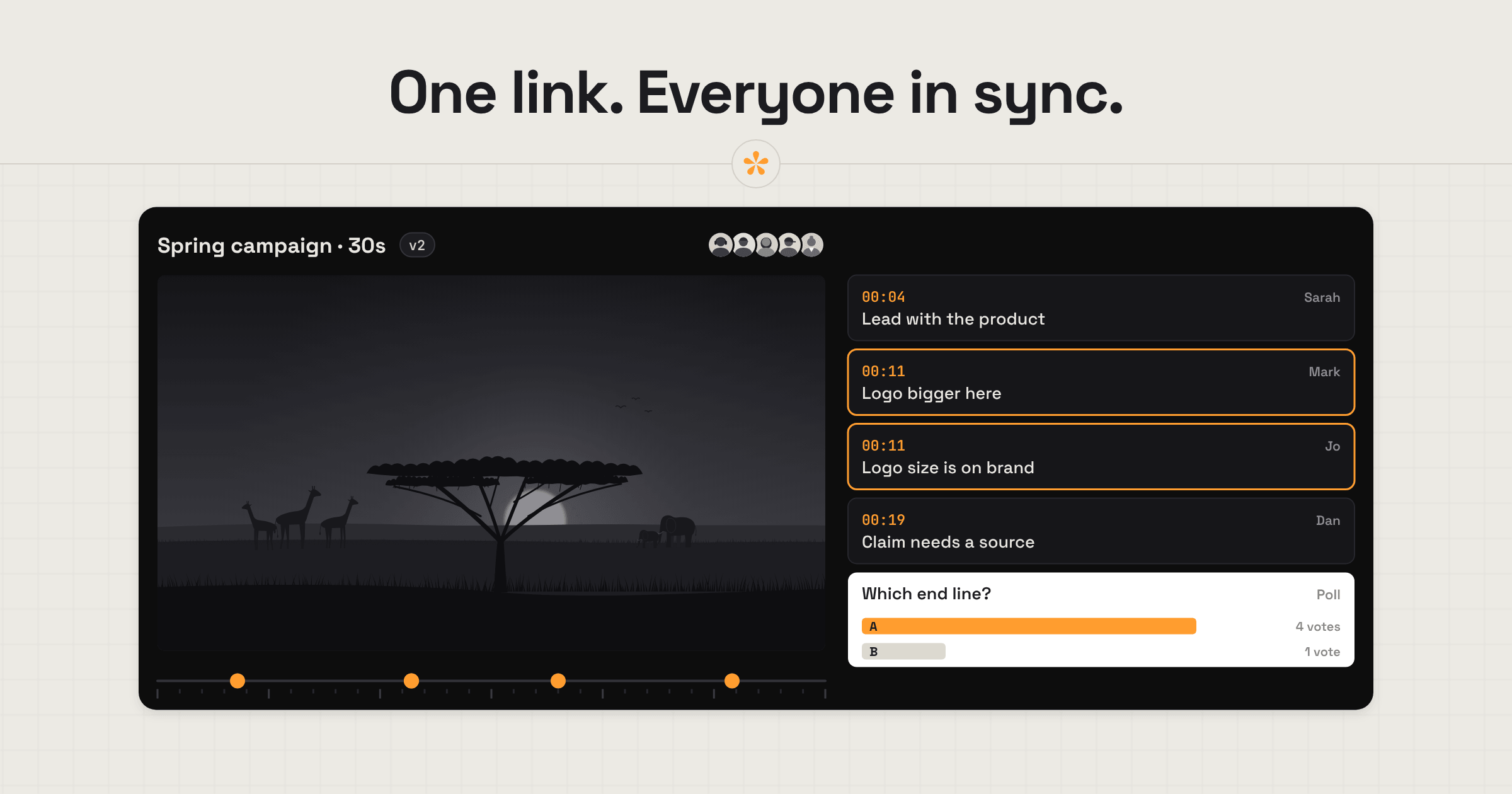
Practical guides to video feedback, review and sign-off, from the filmmakers behind SceneNote.
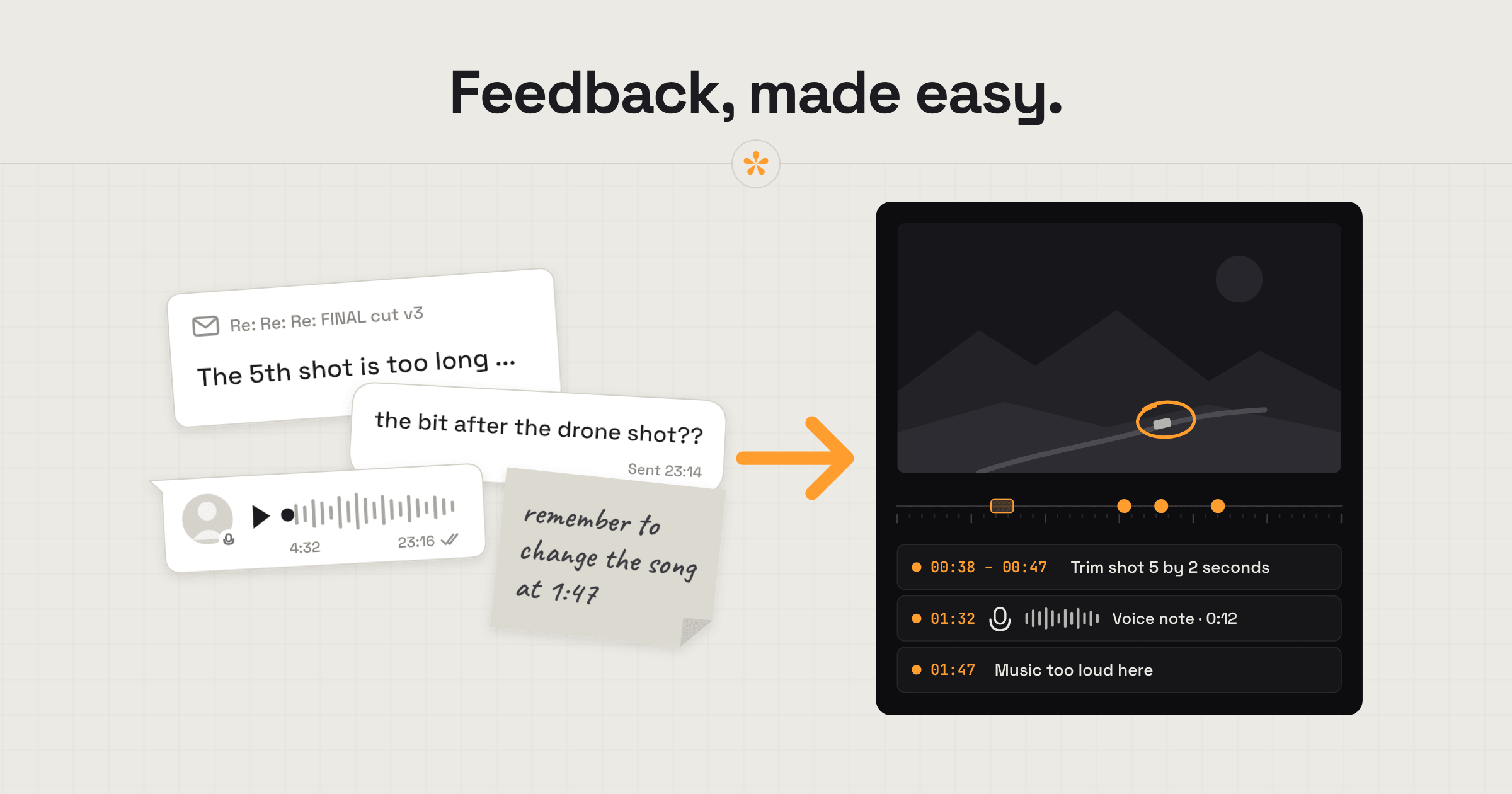
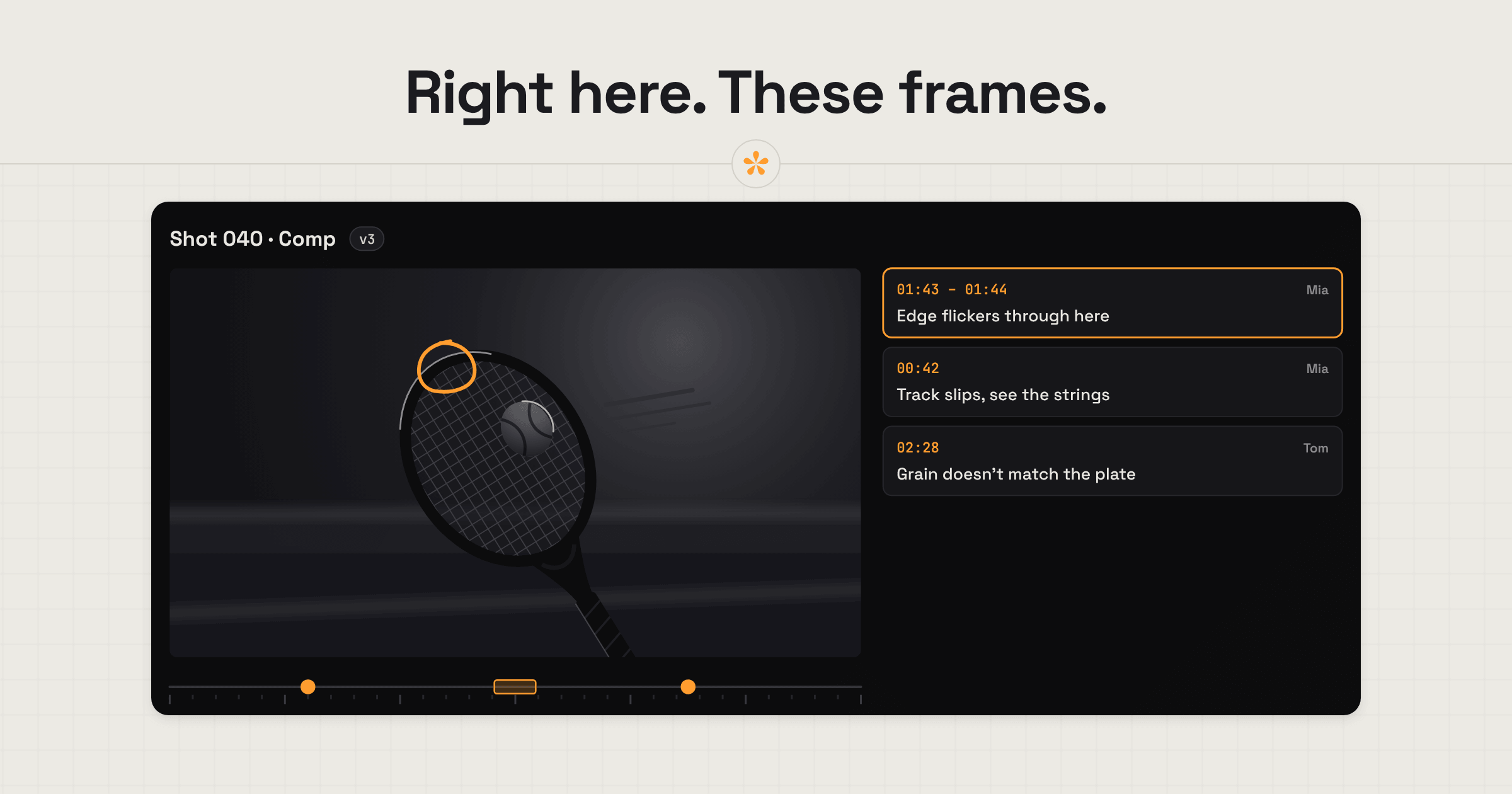
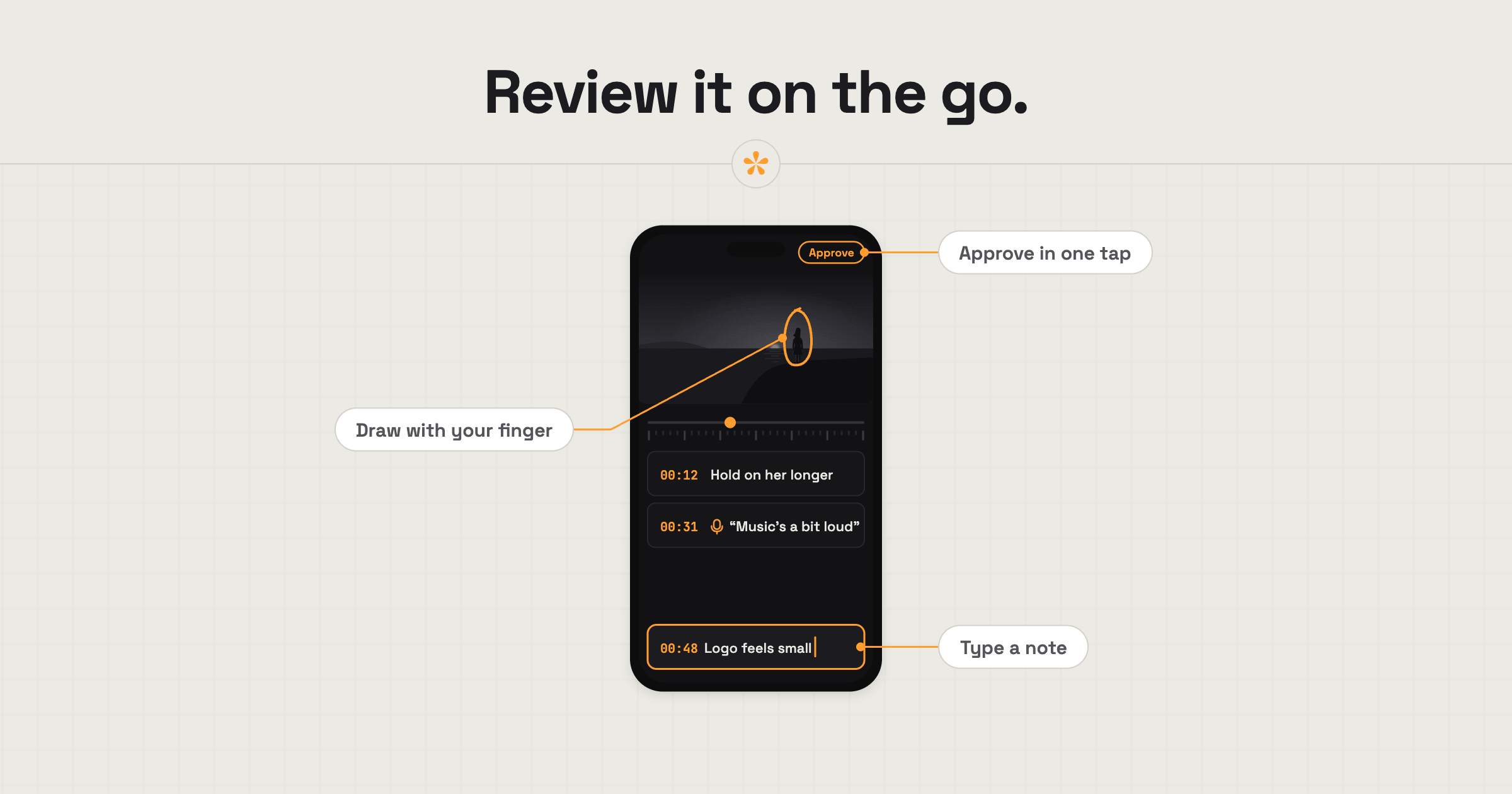
Send one review link and get client notes pinned to the exact frame, with no account for the client. Steps, a message template and fixes for common problems.
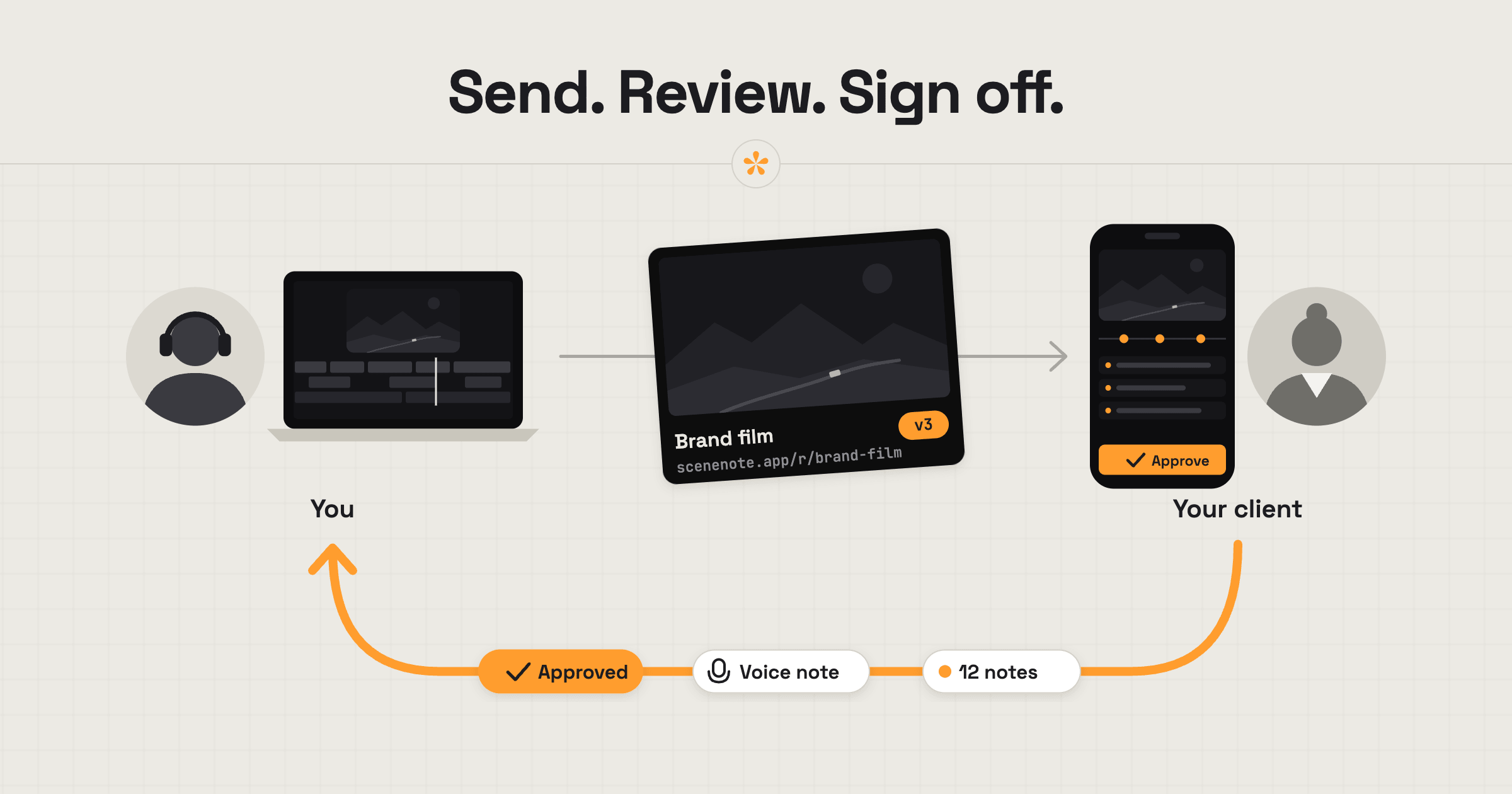
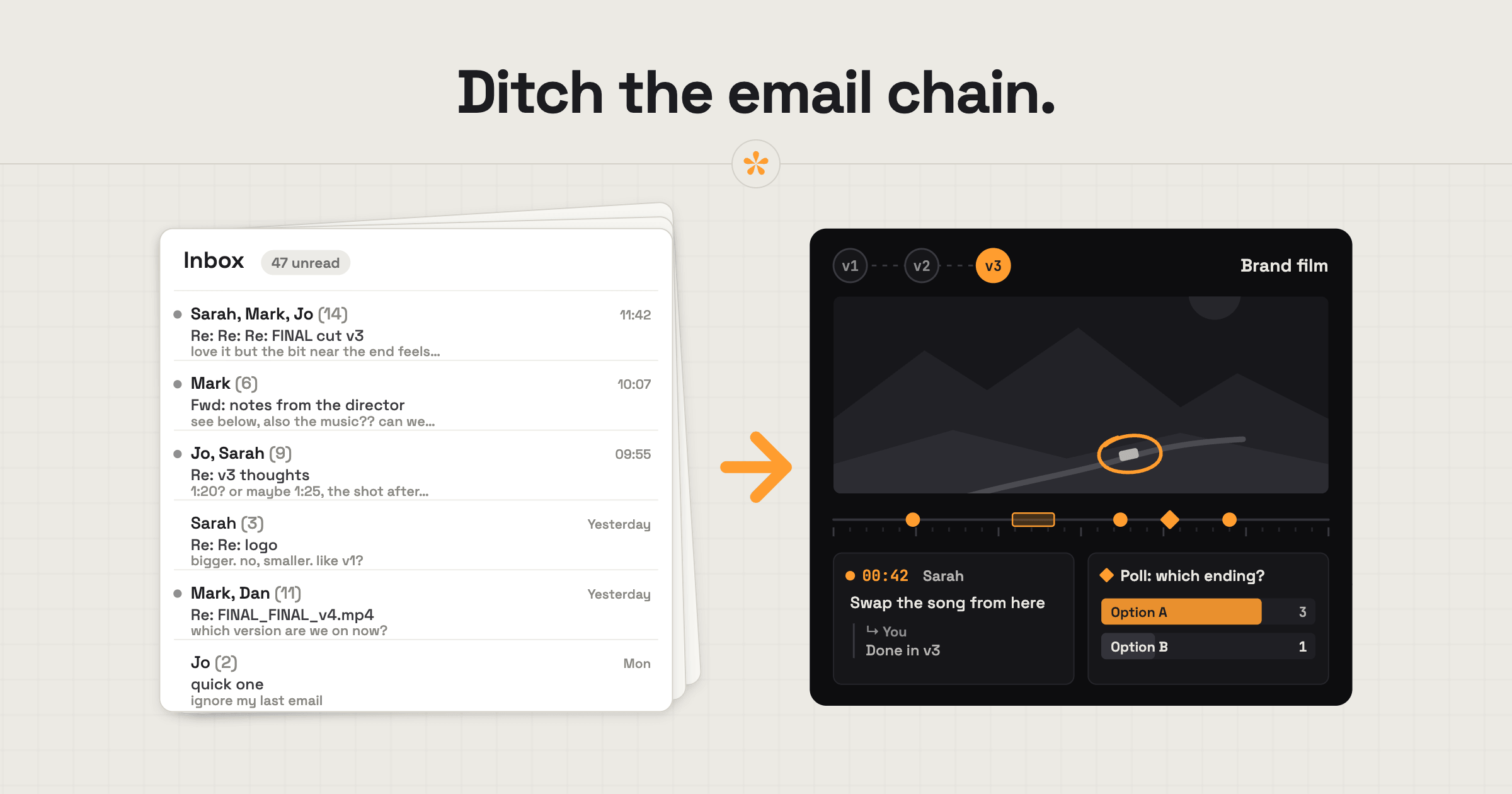
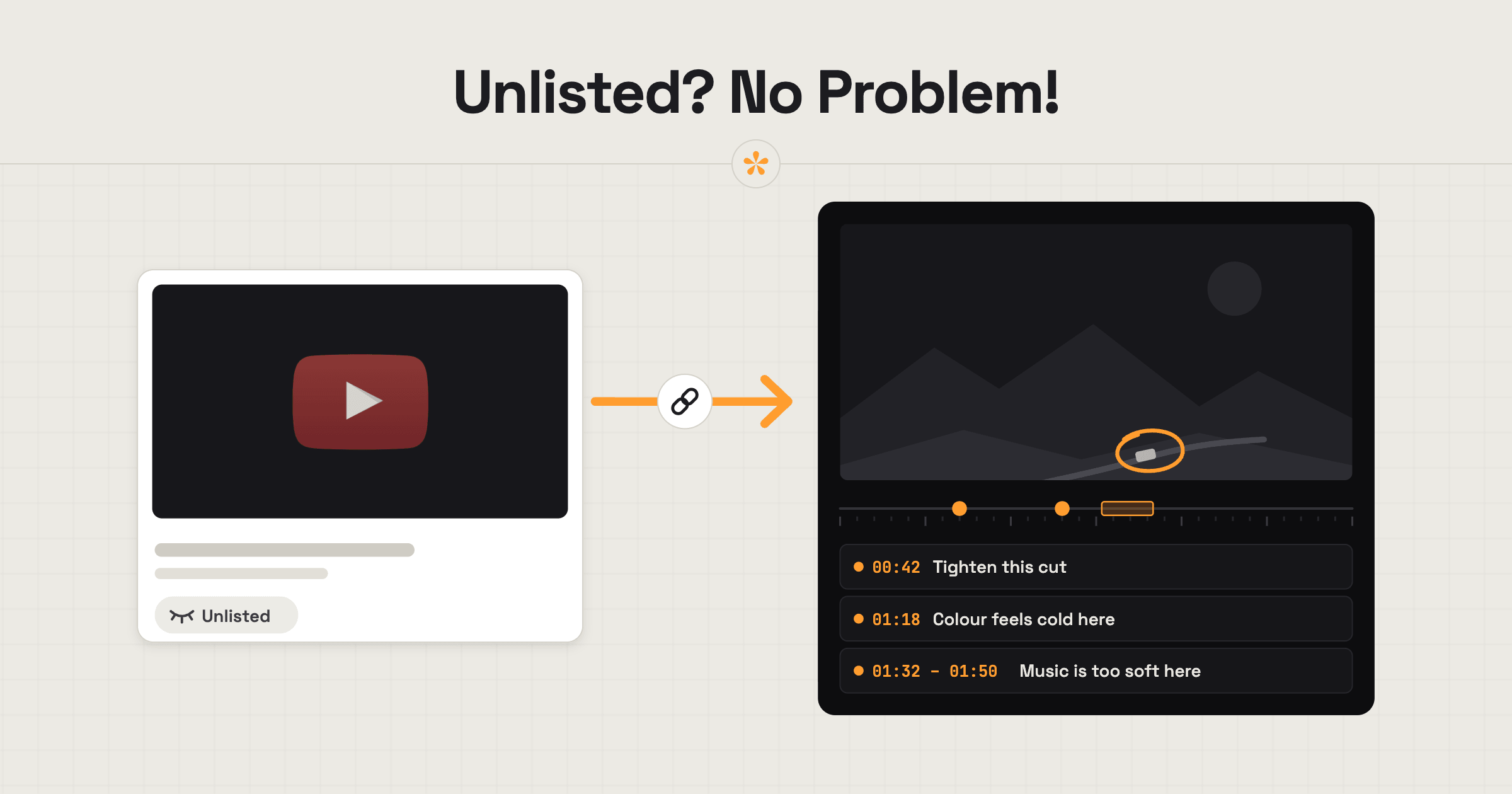
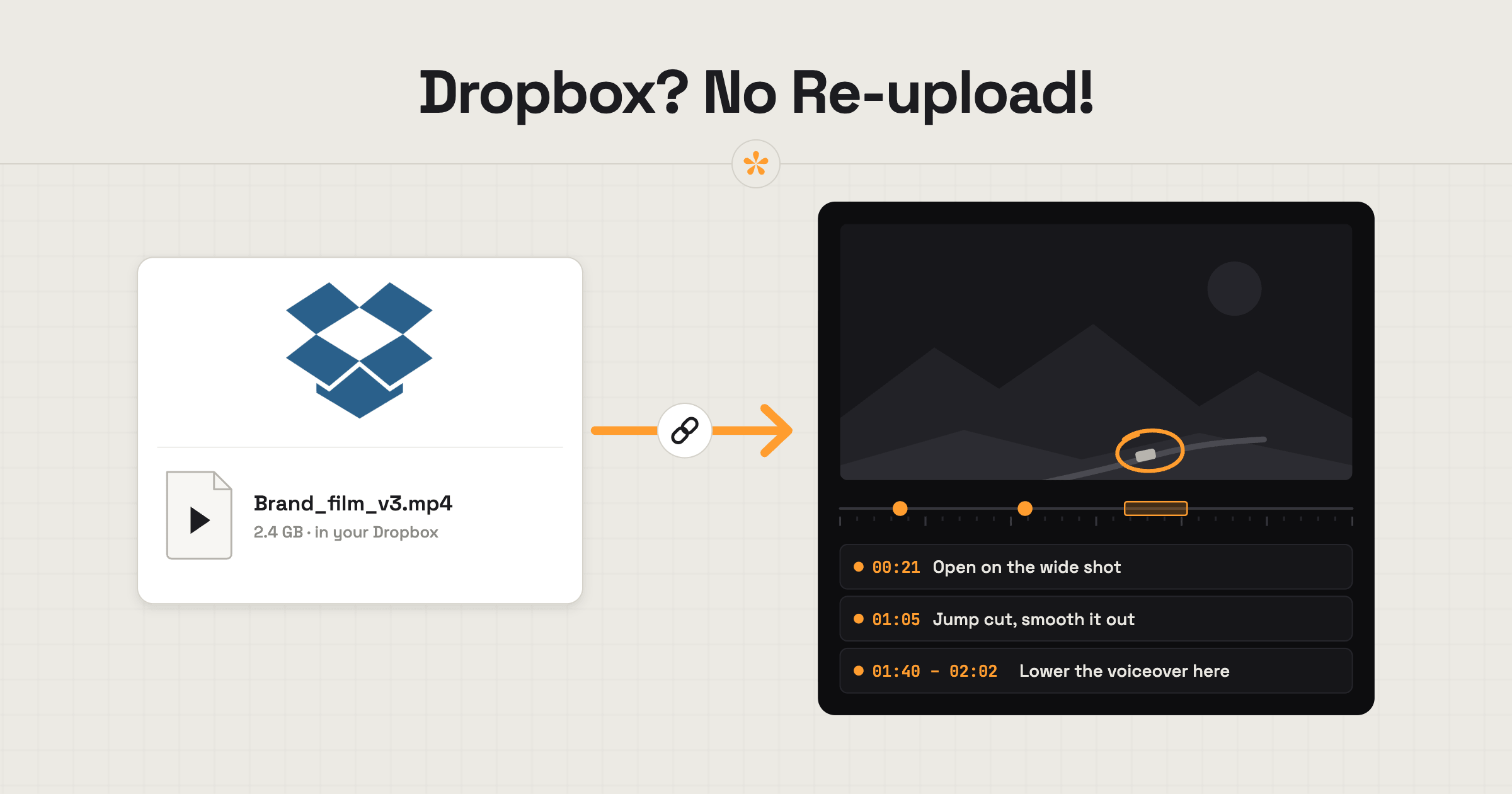
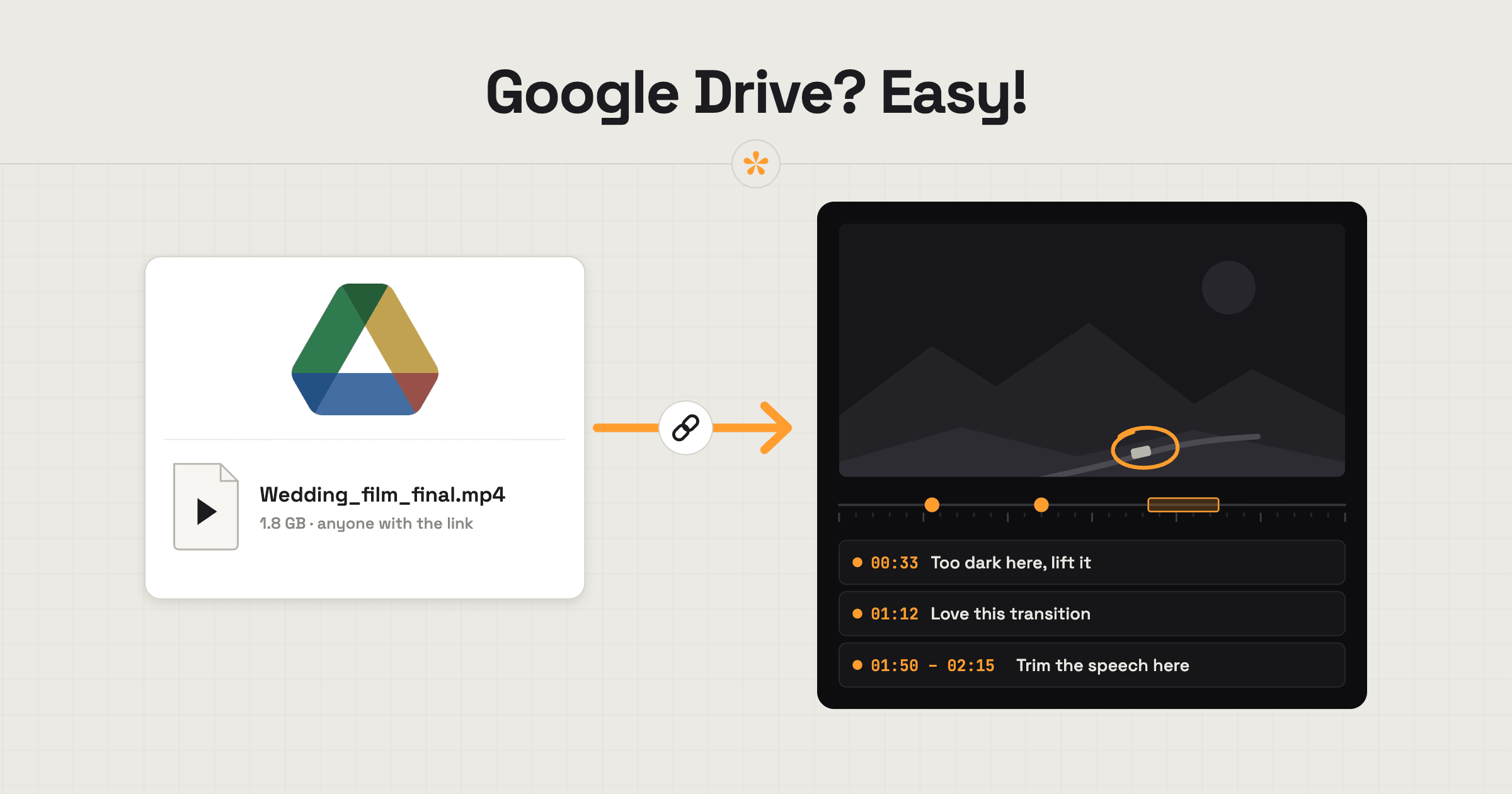
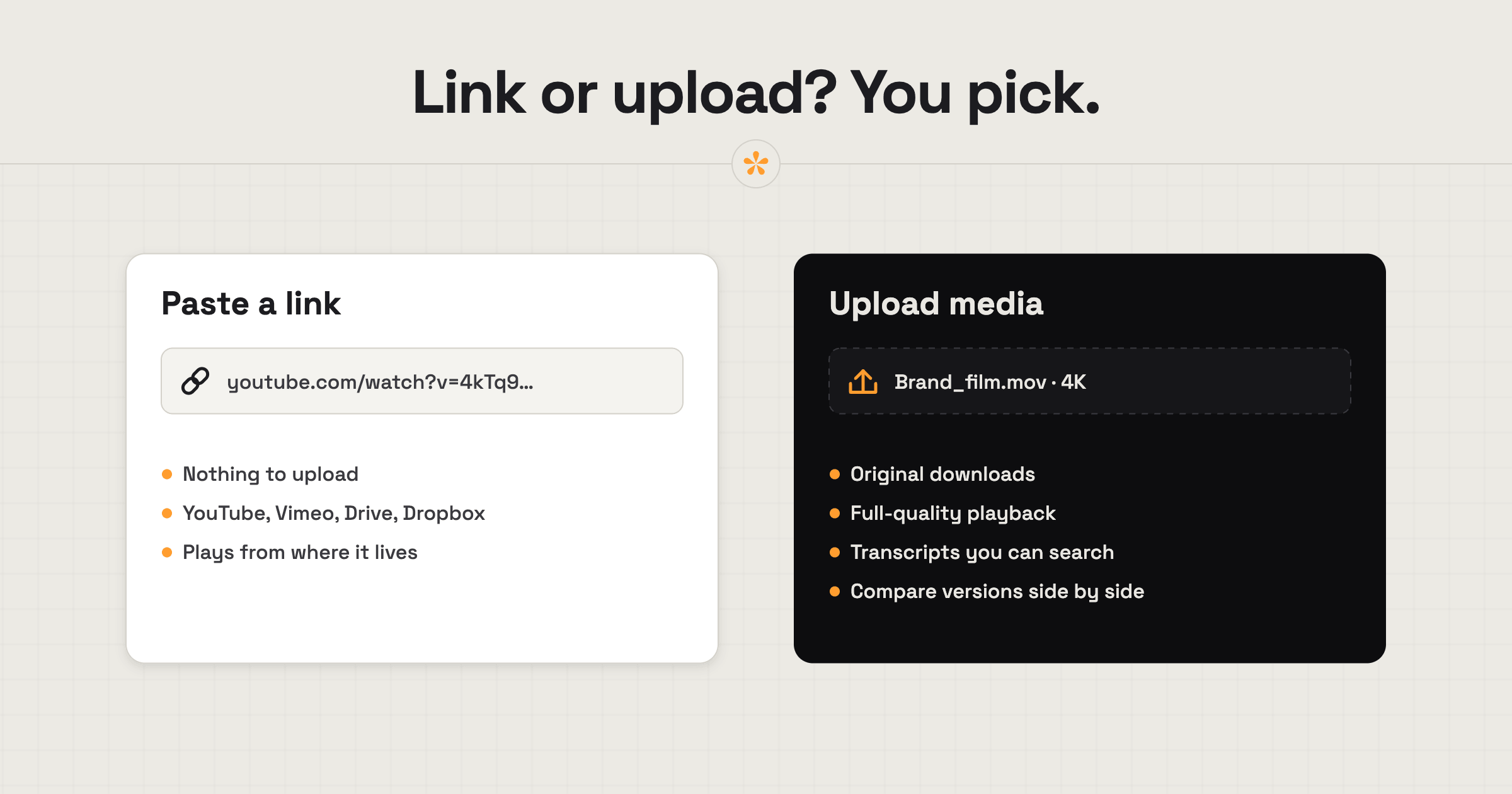
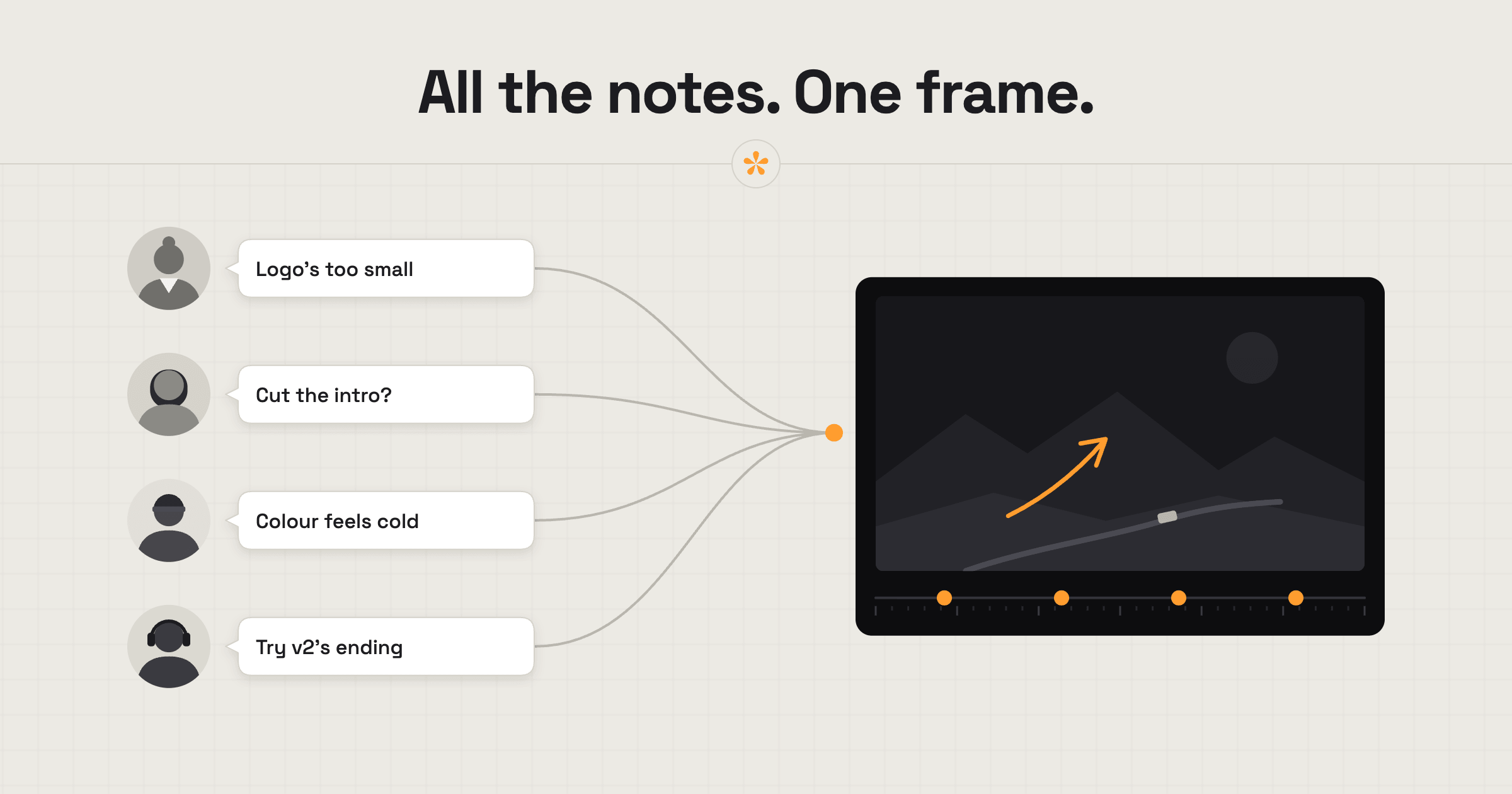
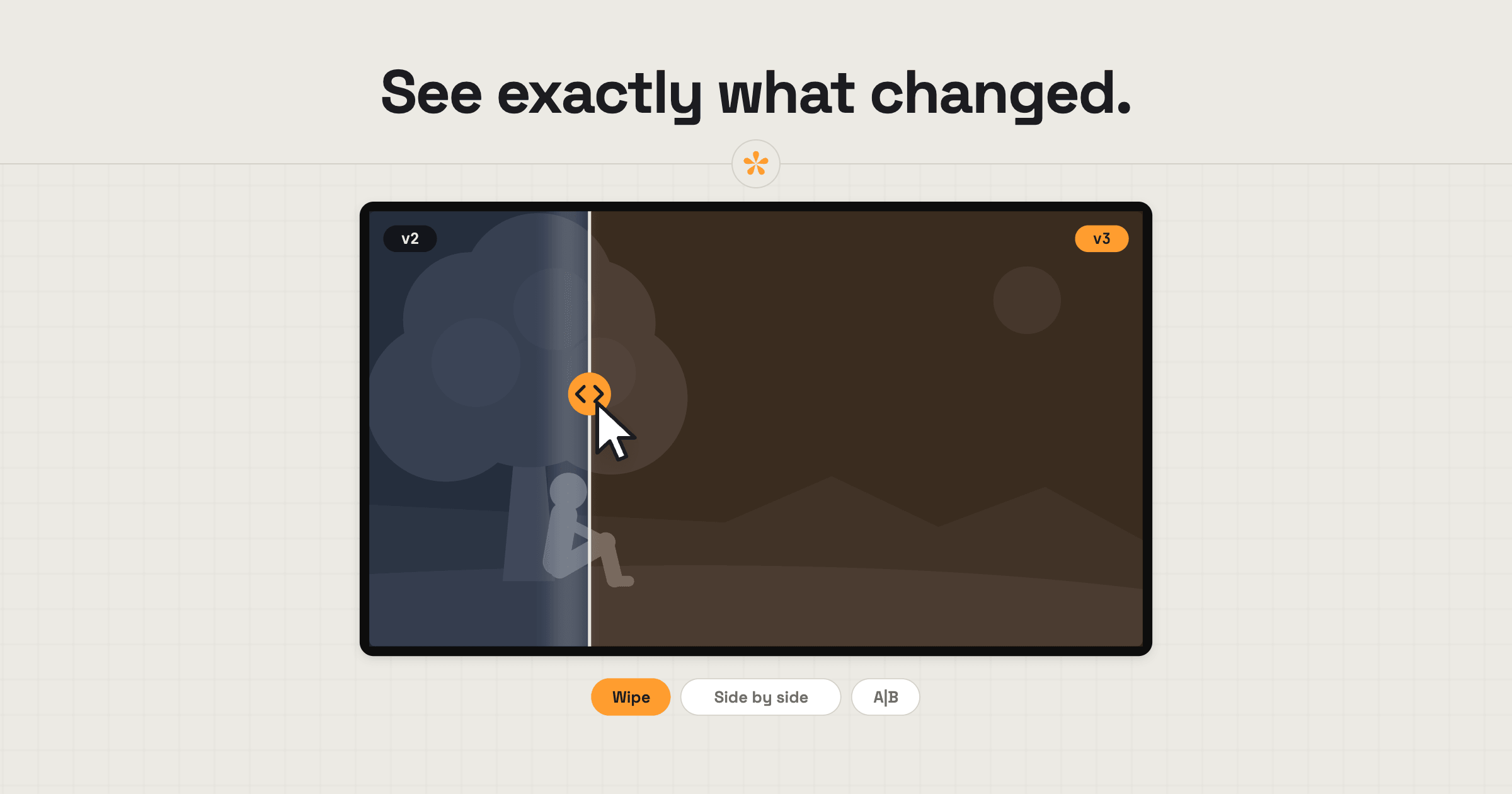
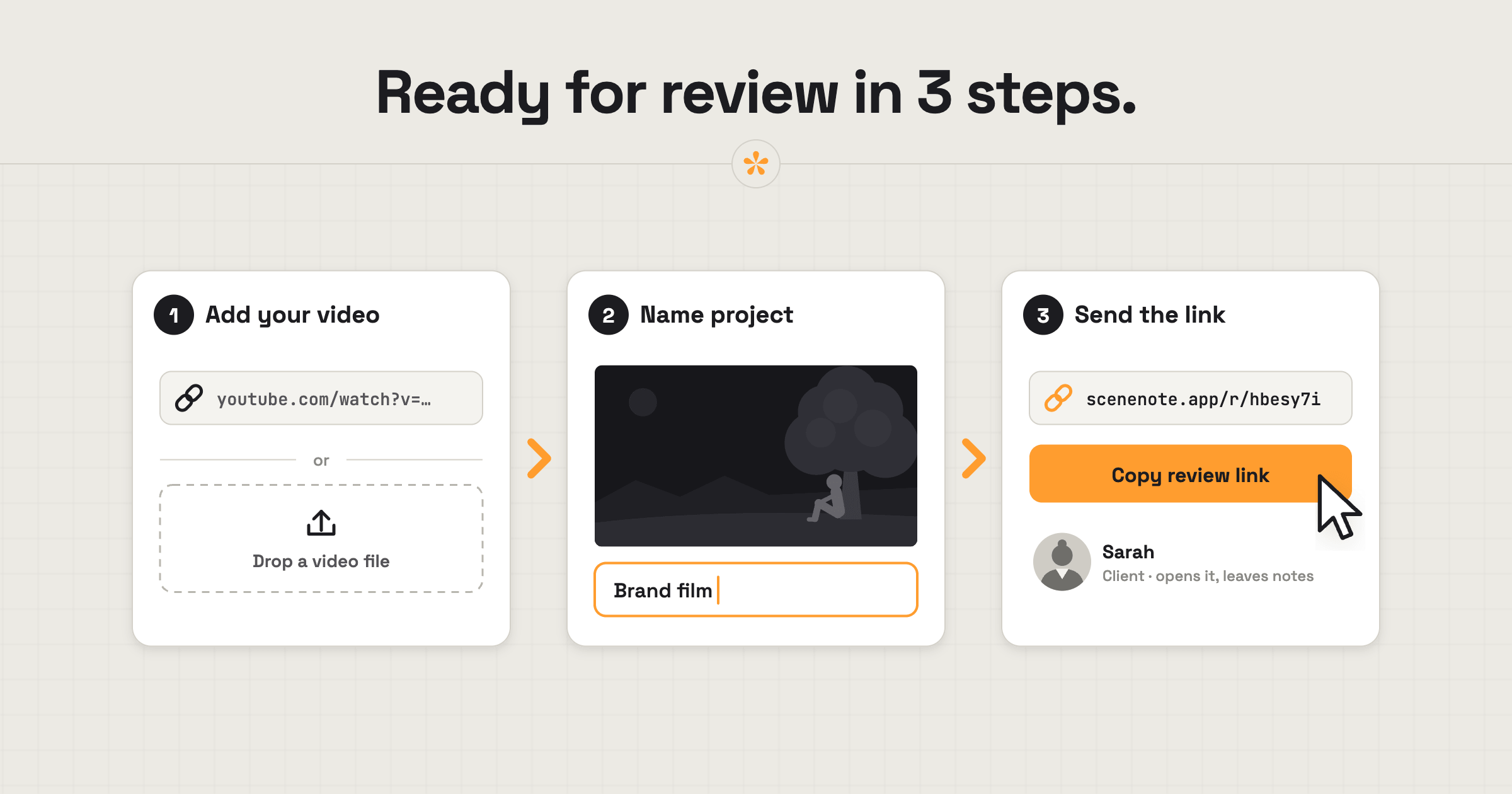
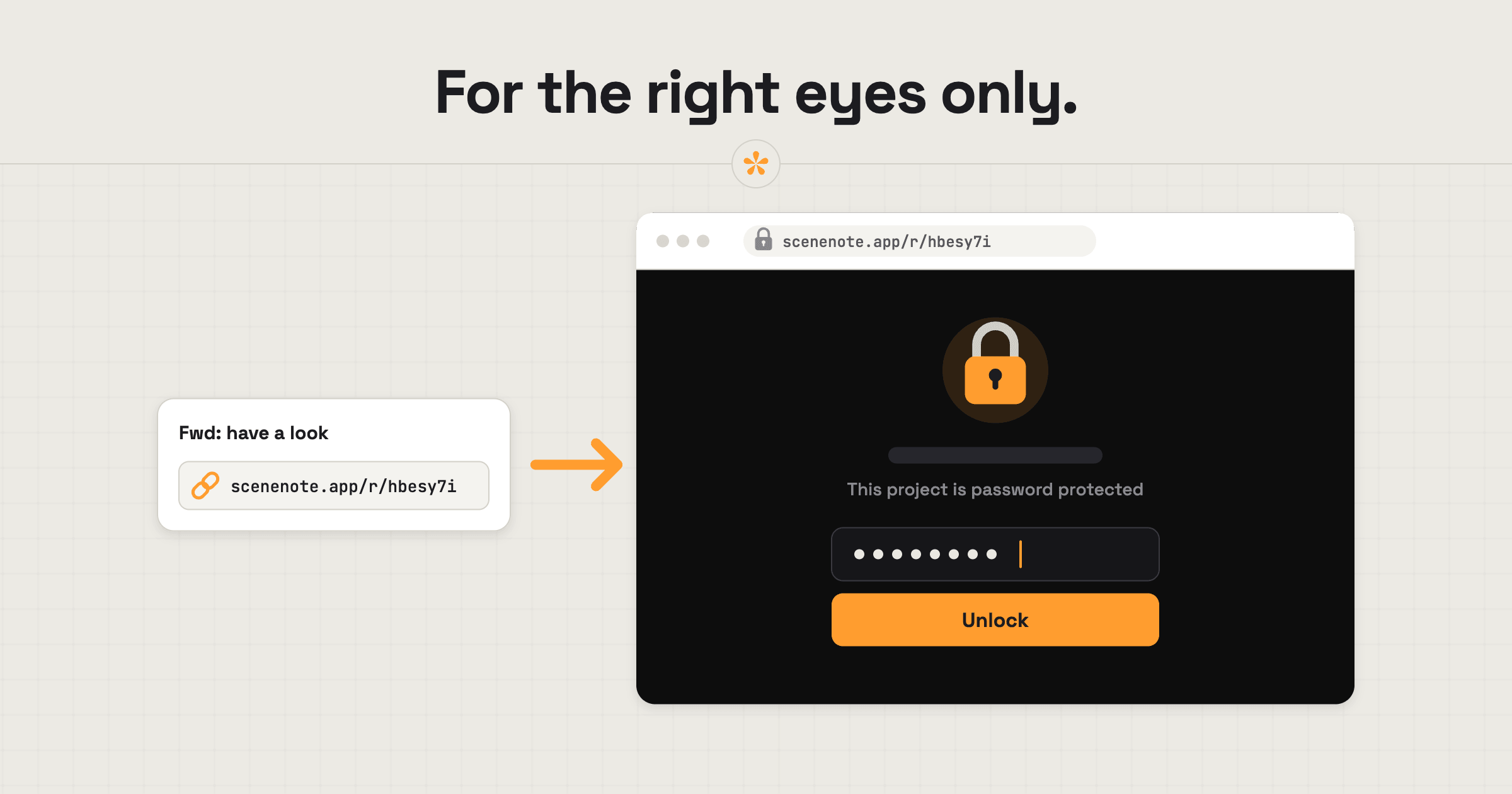
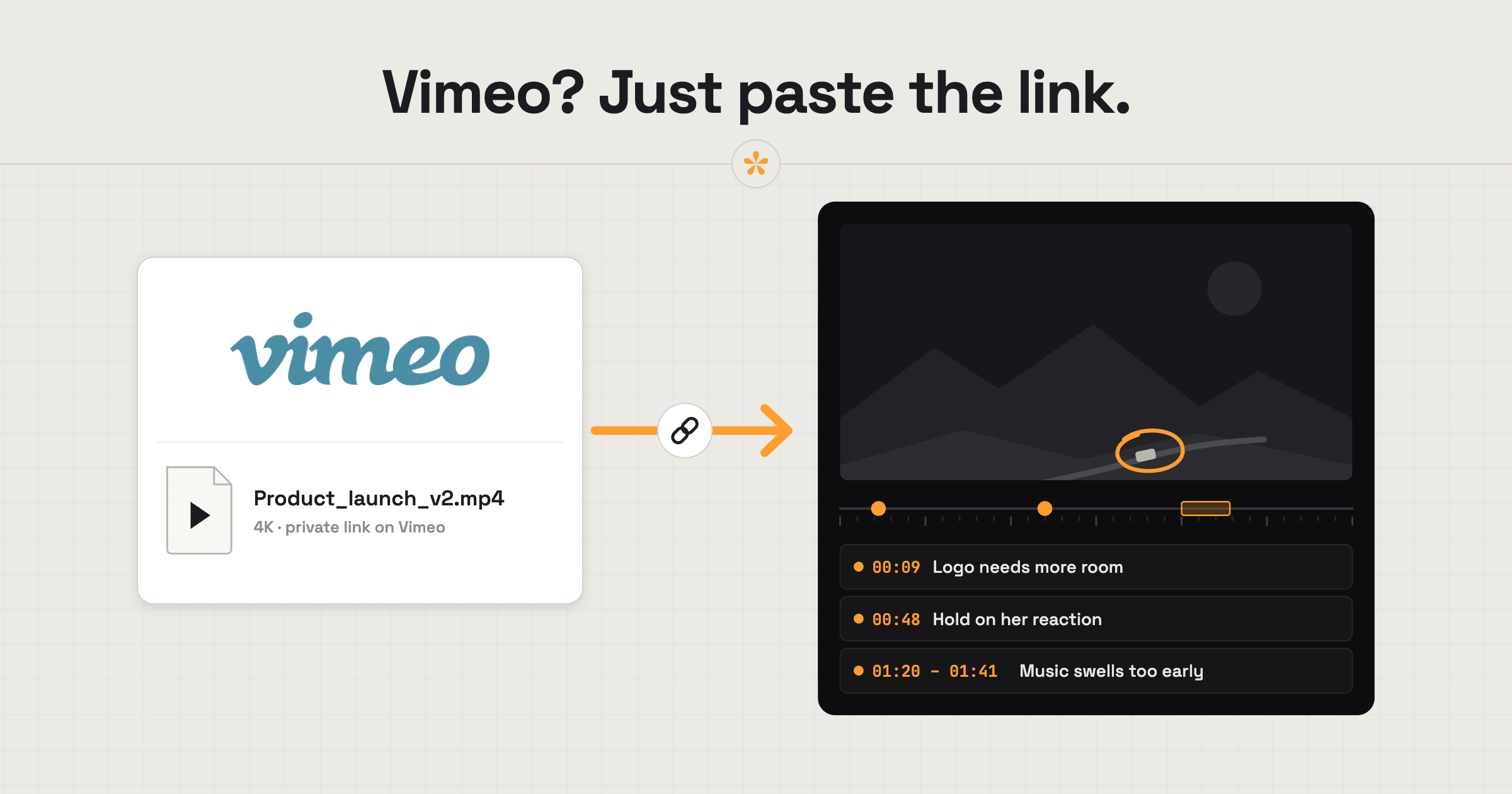
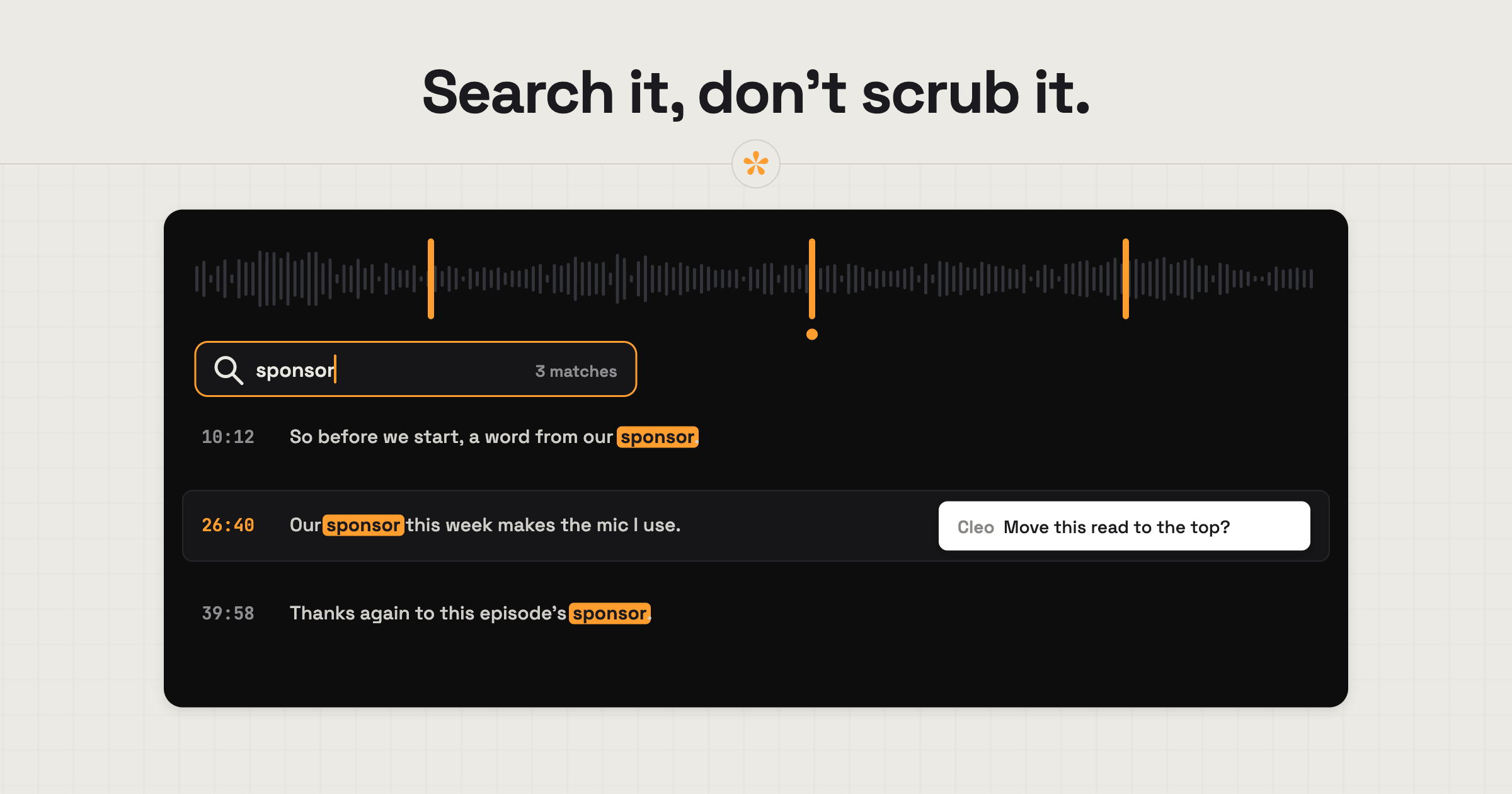
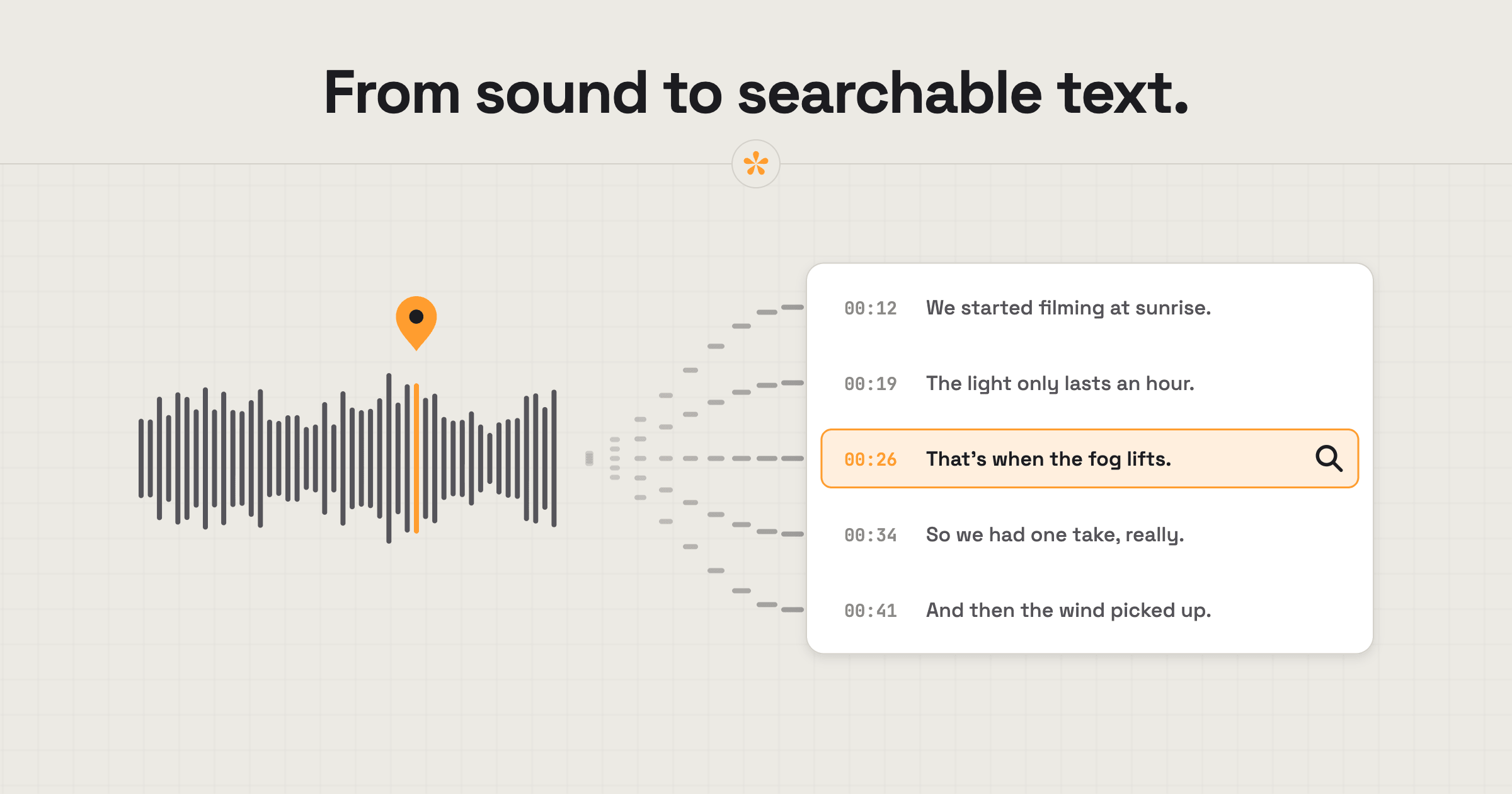
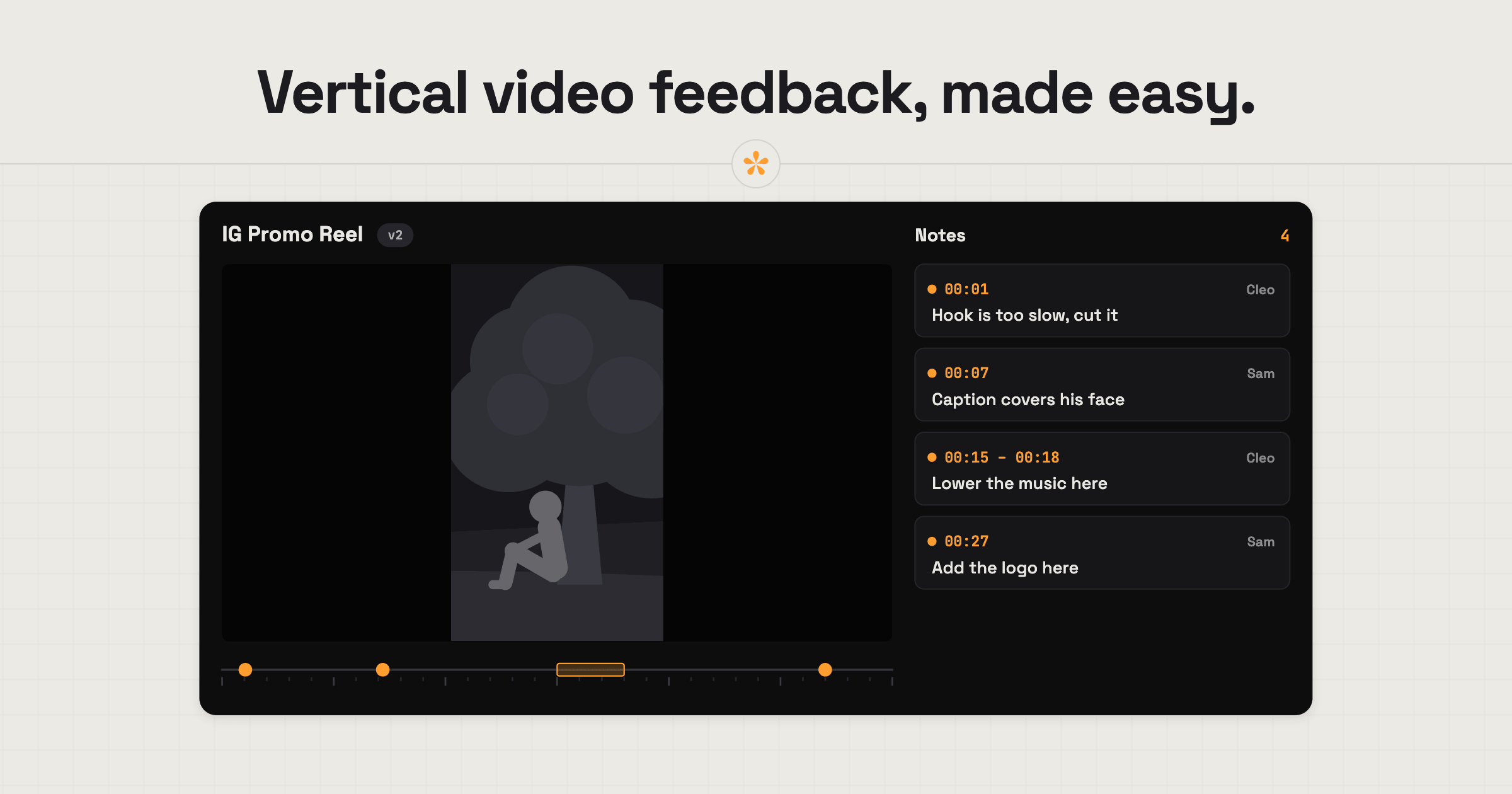
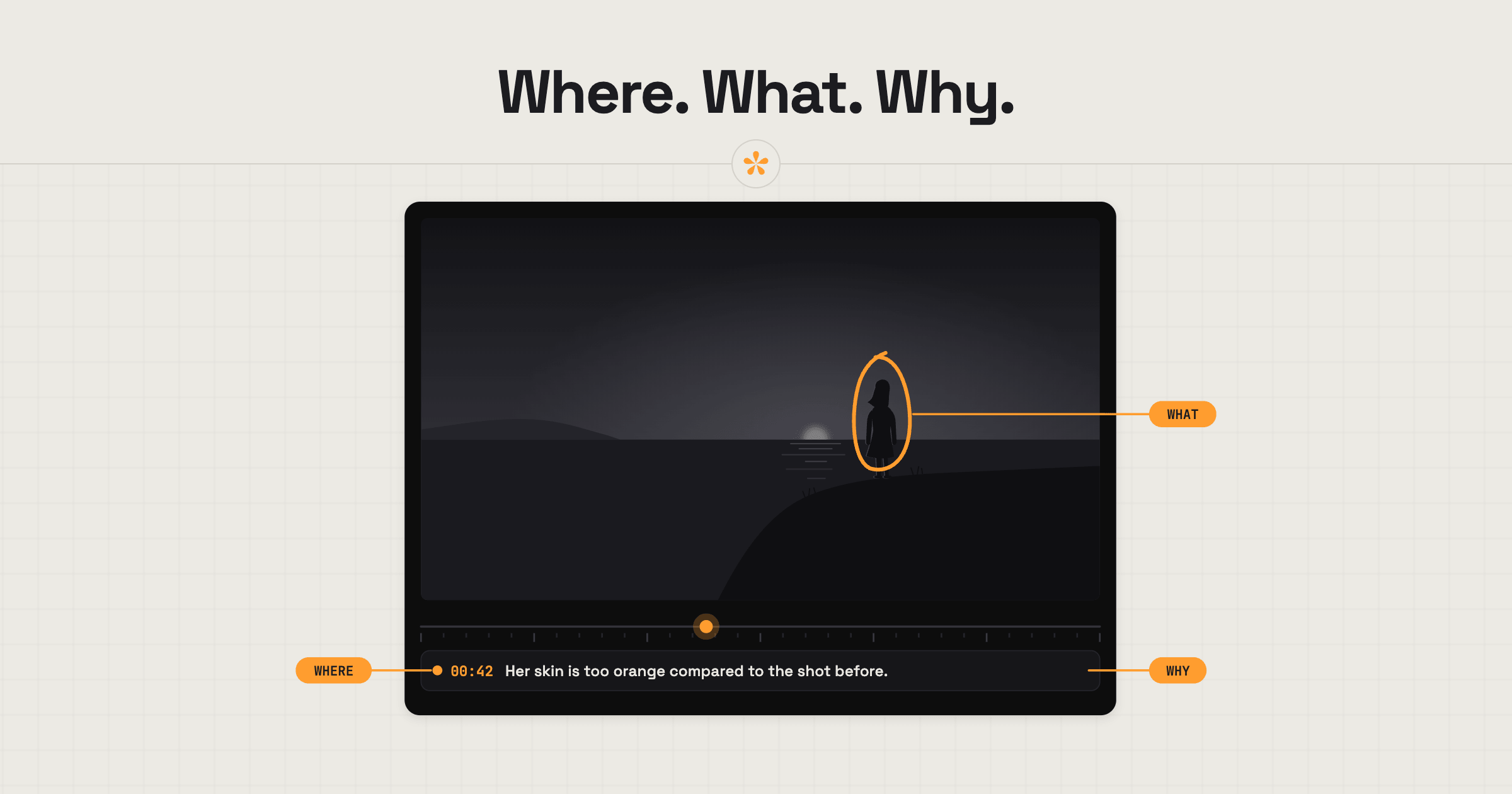
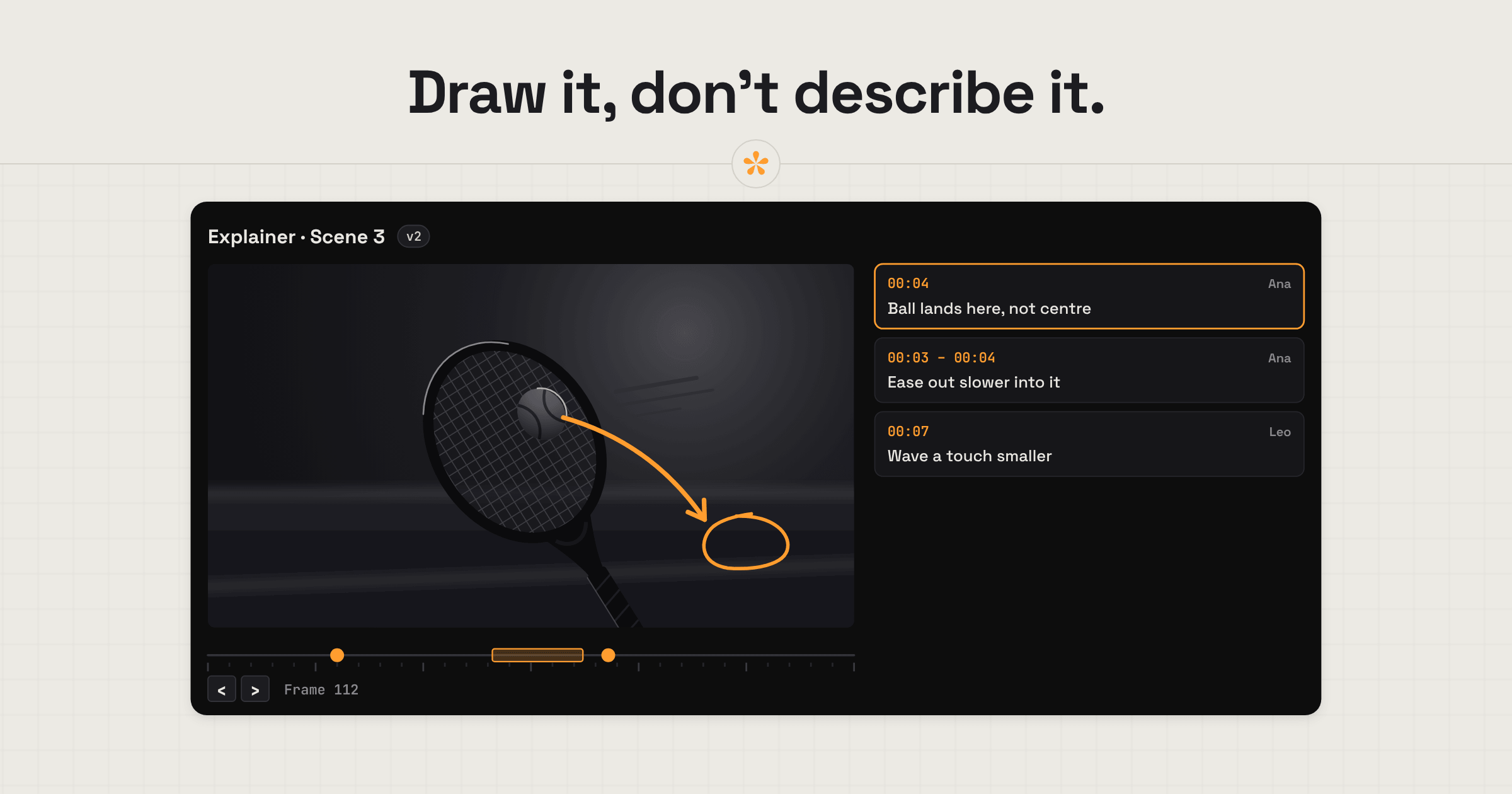
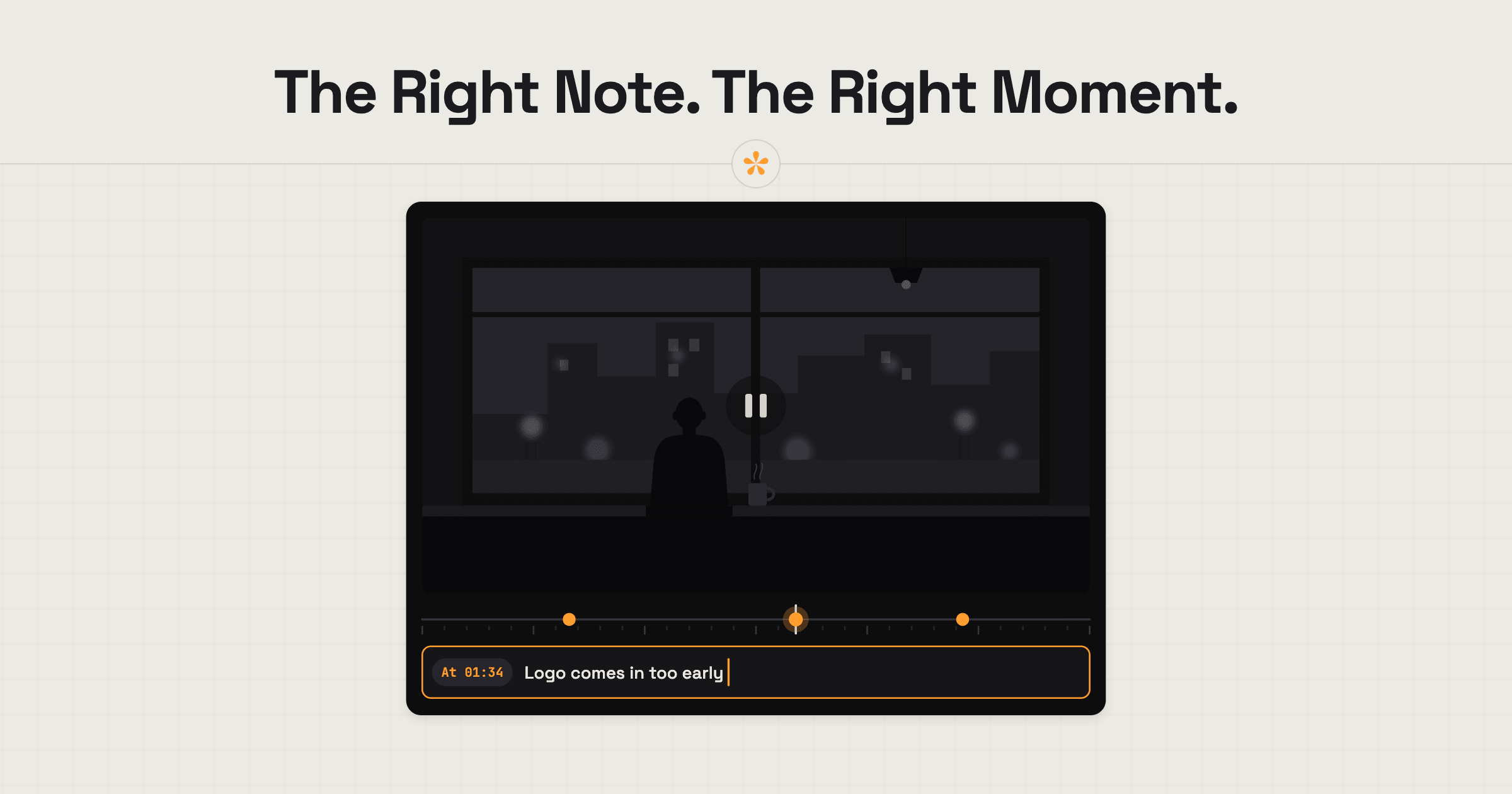
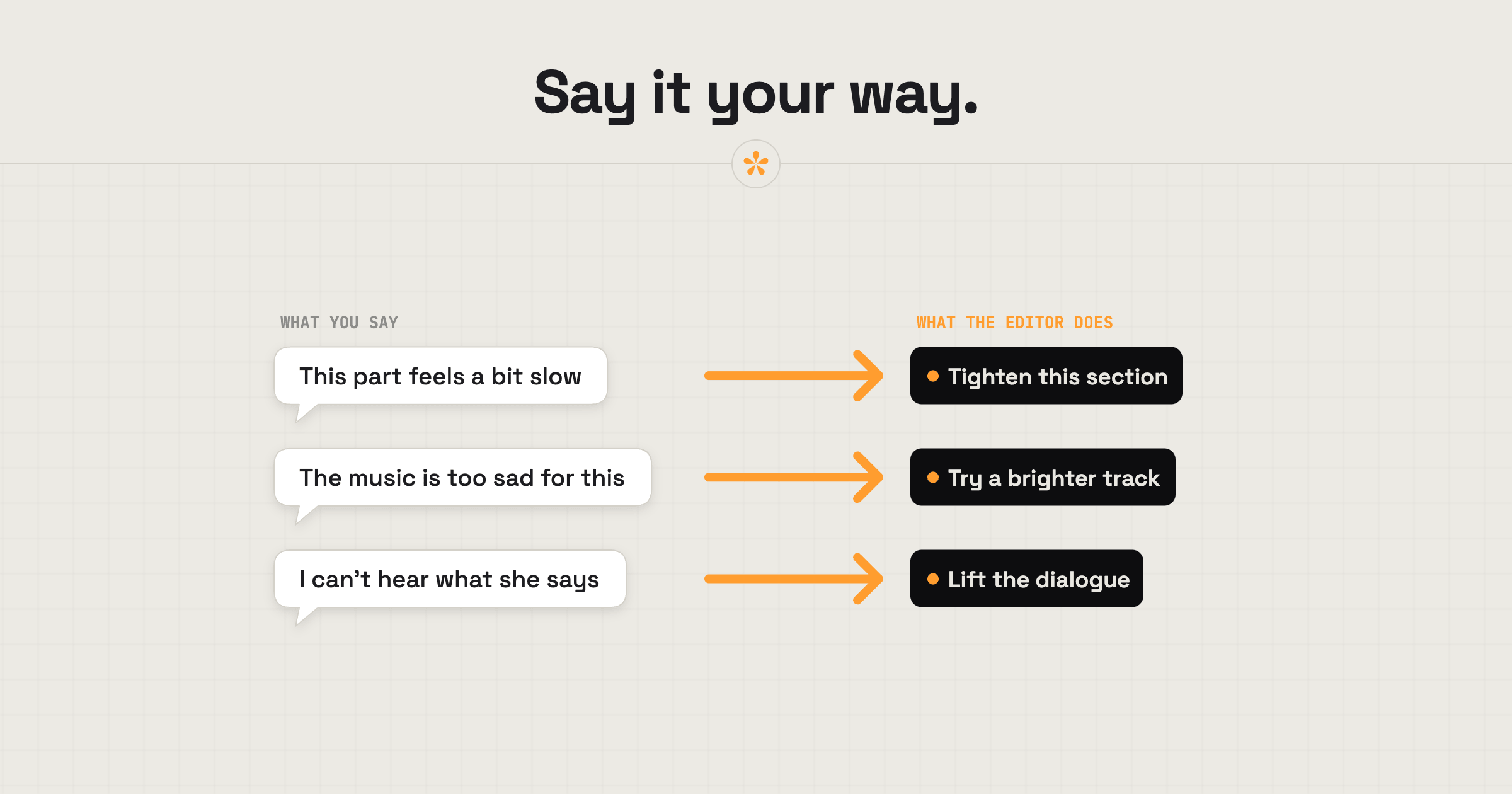
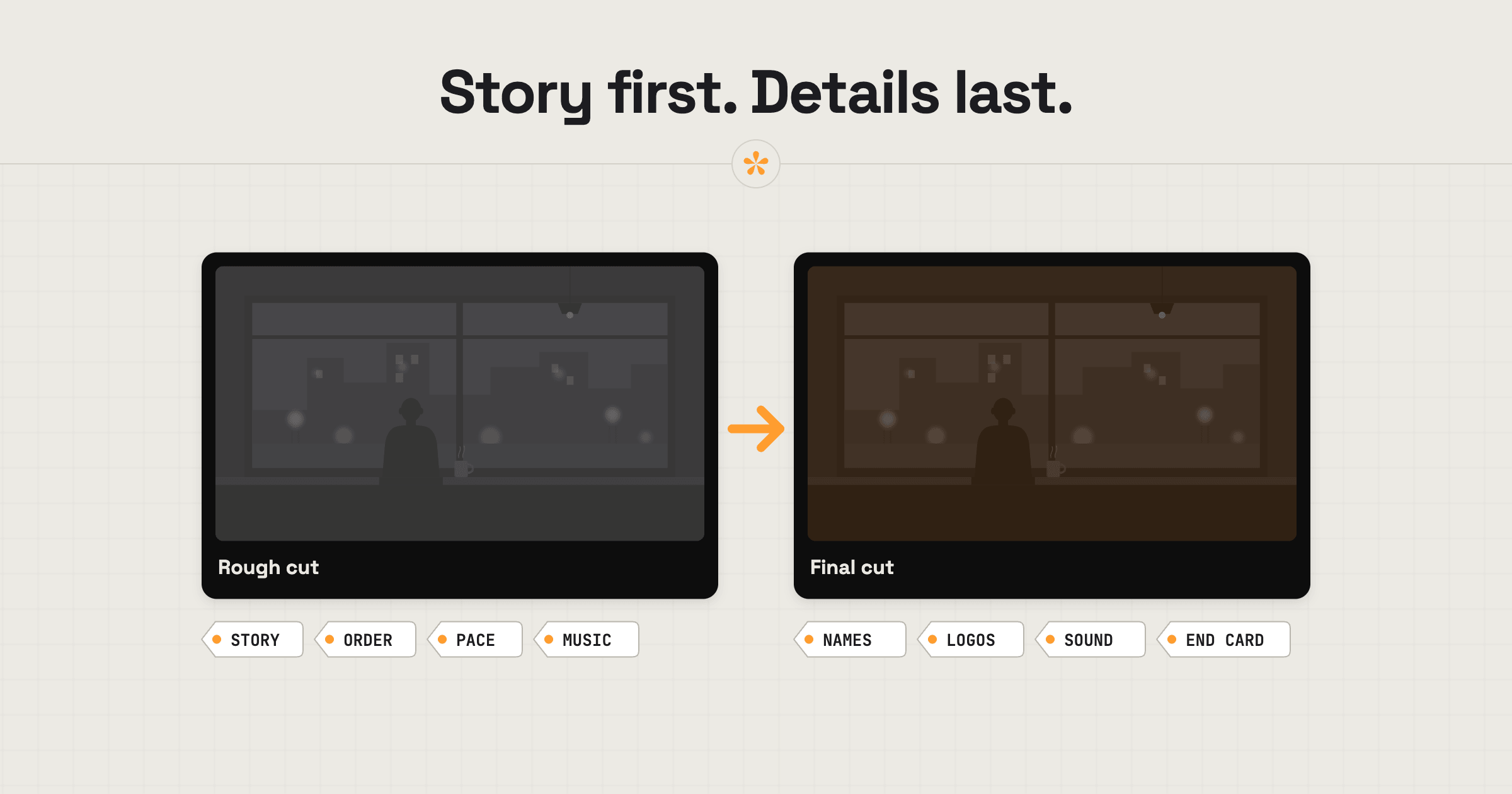
Give video feedback an editor can act on: pin each note to the exact moment and say what you'd change and why. Examples, tools and fixes for common problems.
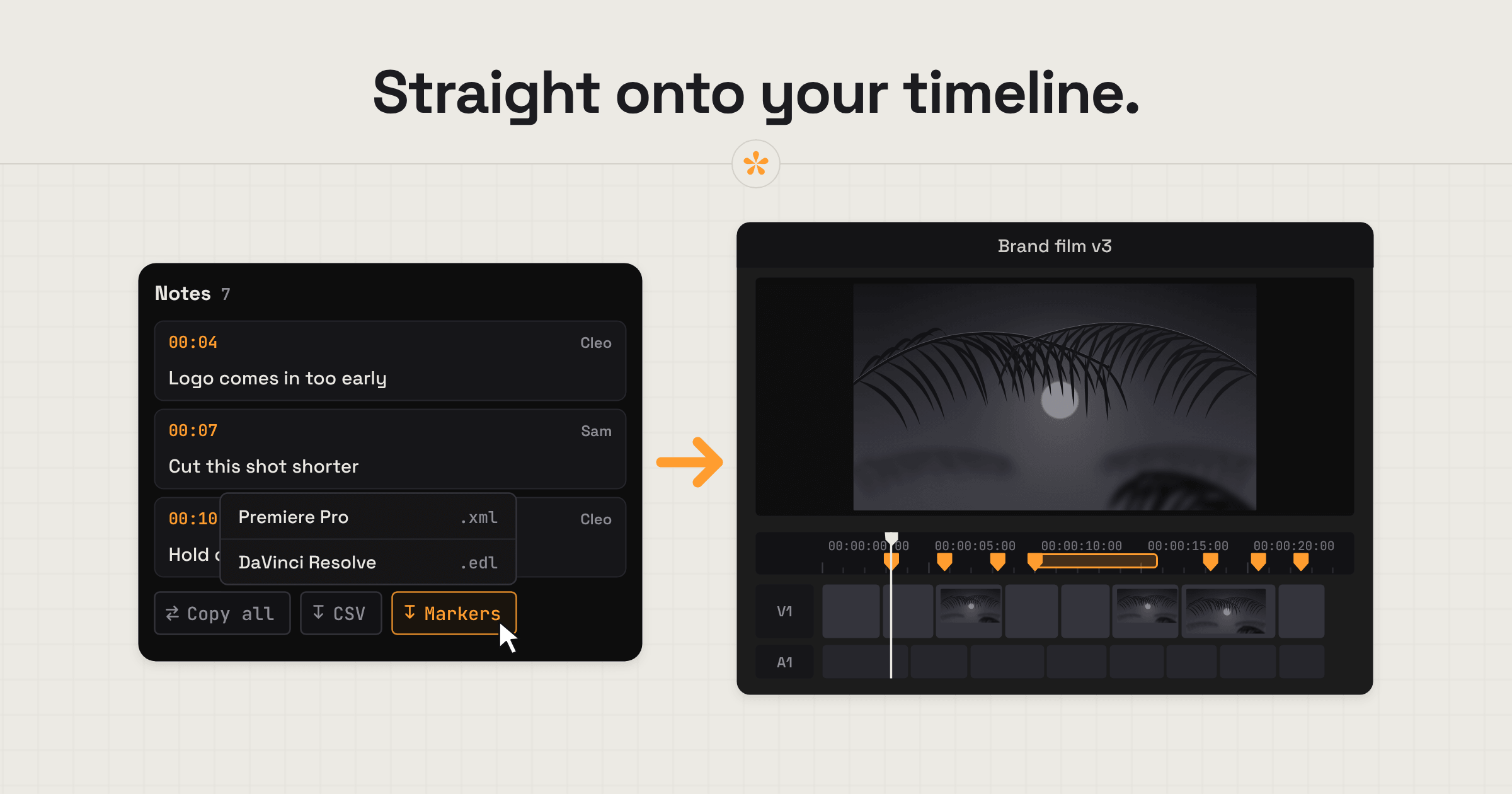
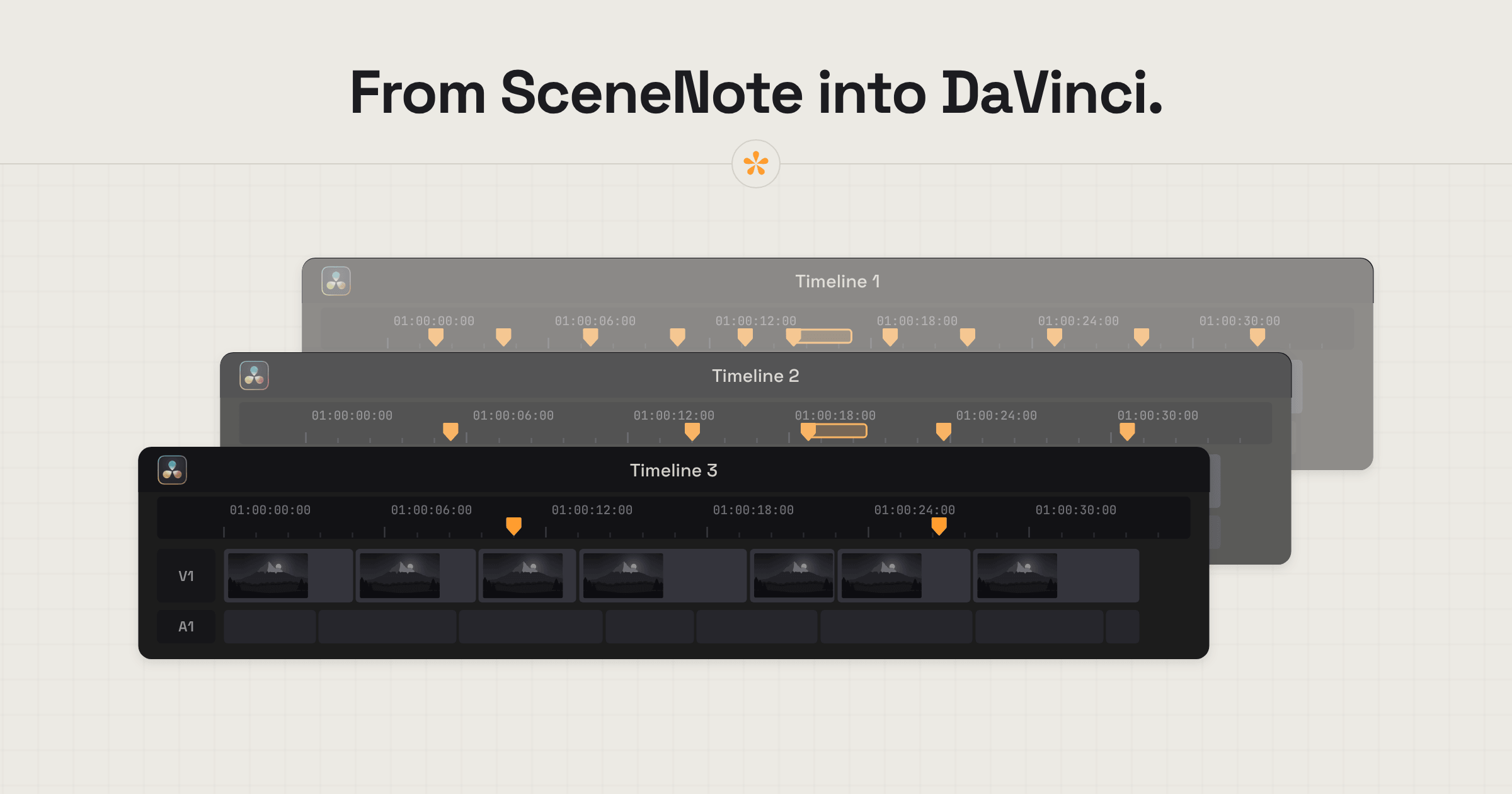
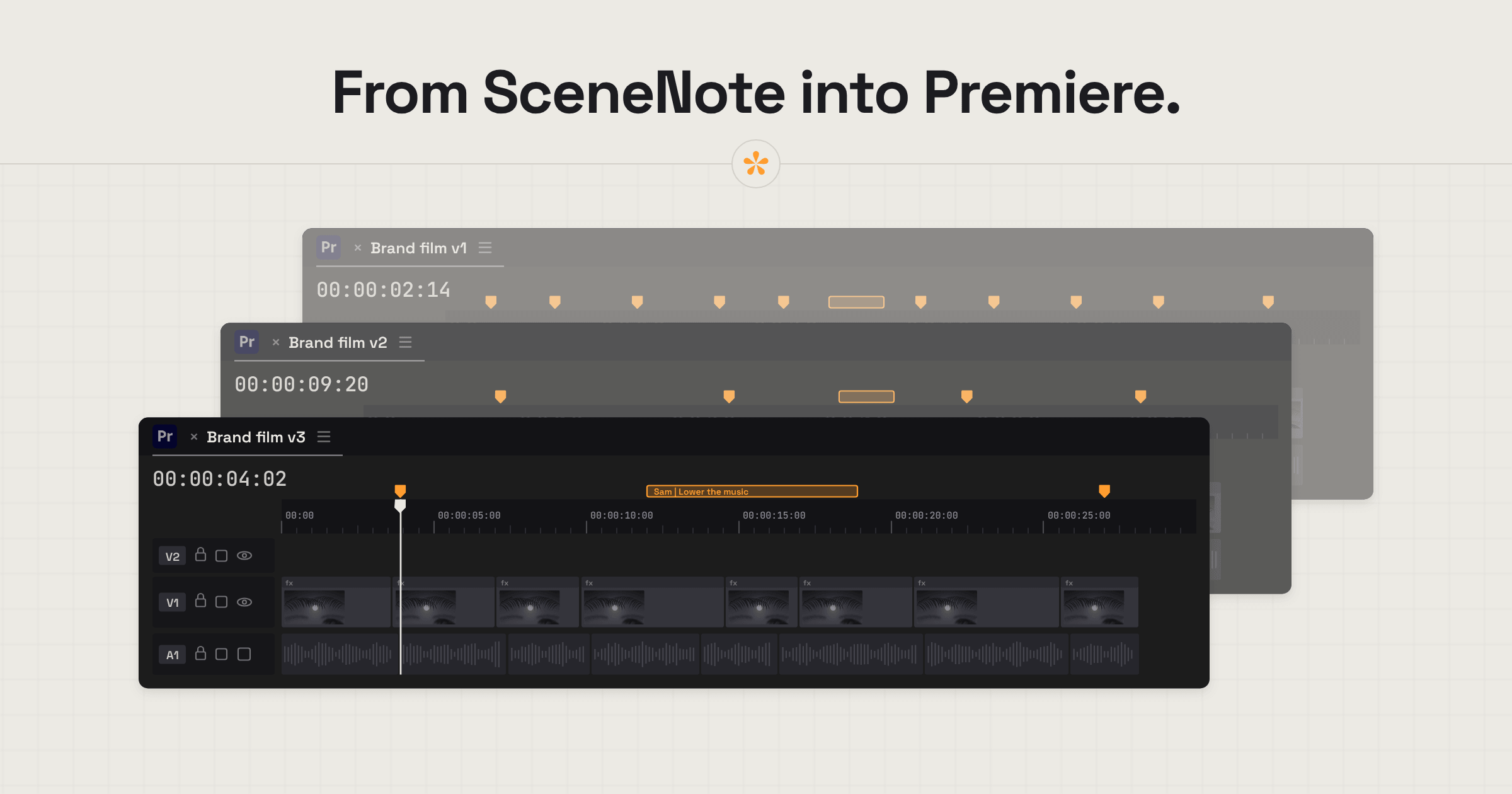
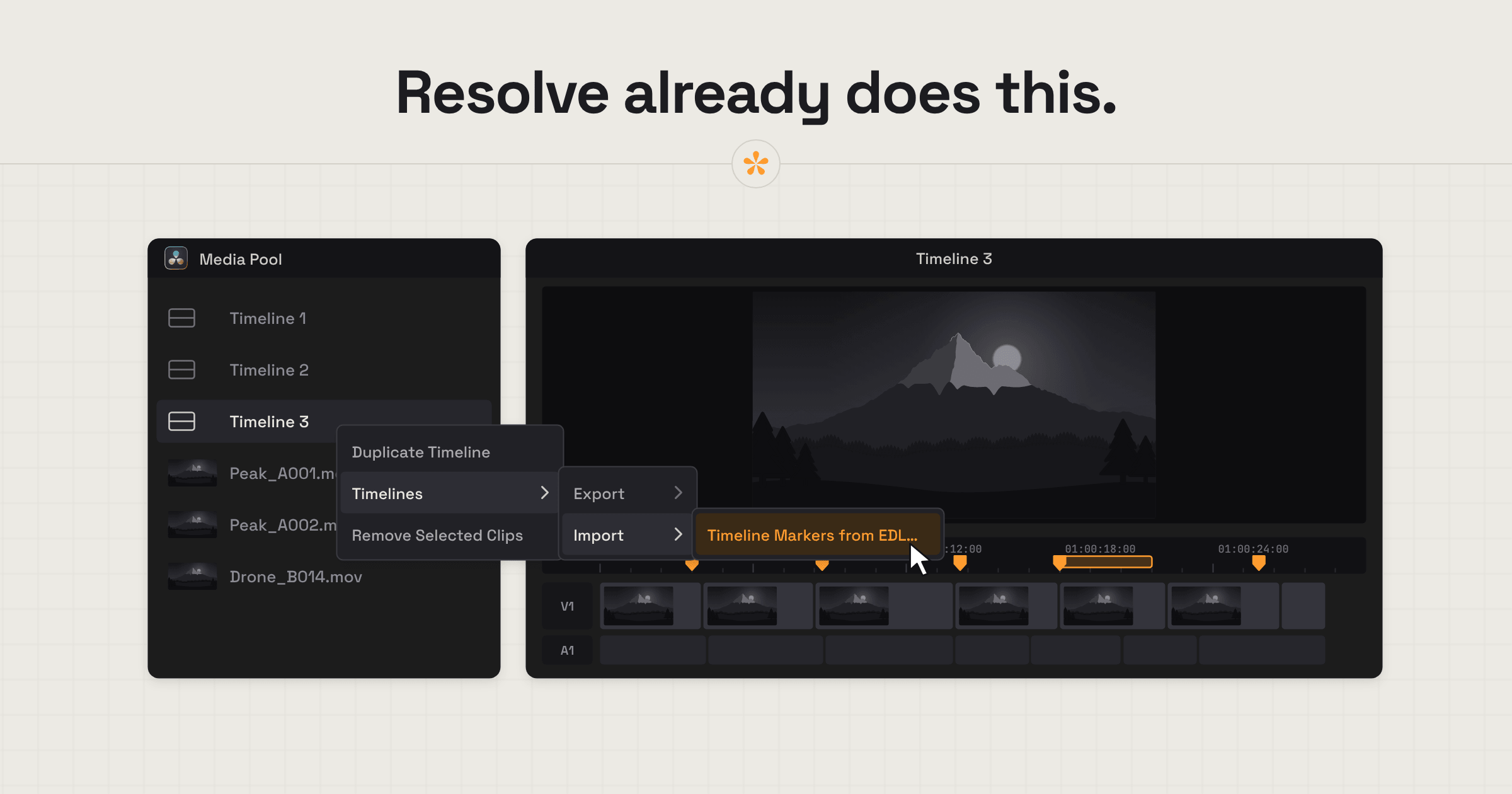
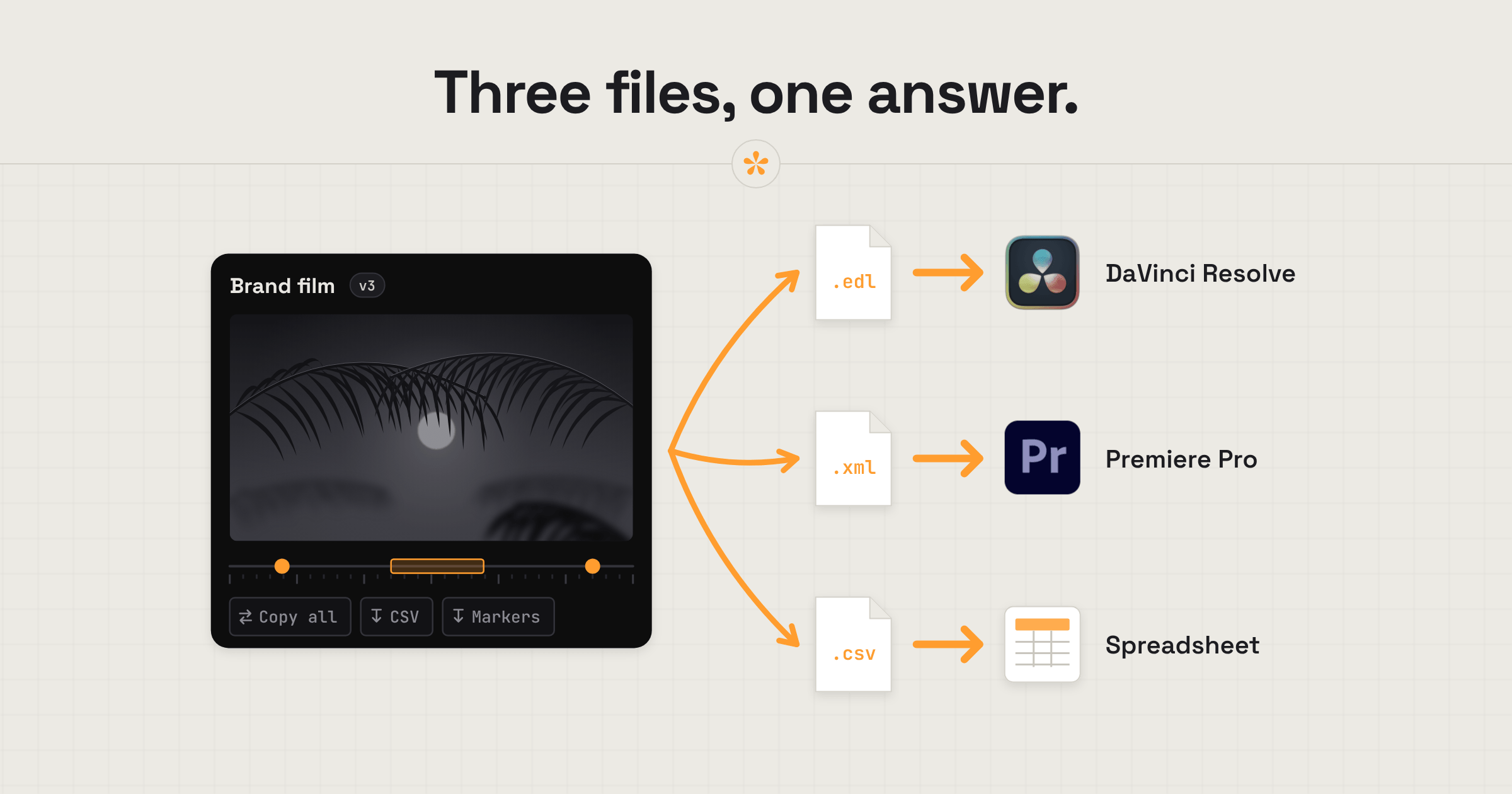
How to get client notes into Premiere Pro or DaVinci Resolve as timeline markers, plus CSV checklists and plain text lists, and which export suits which job.
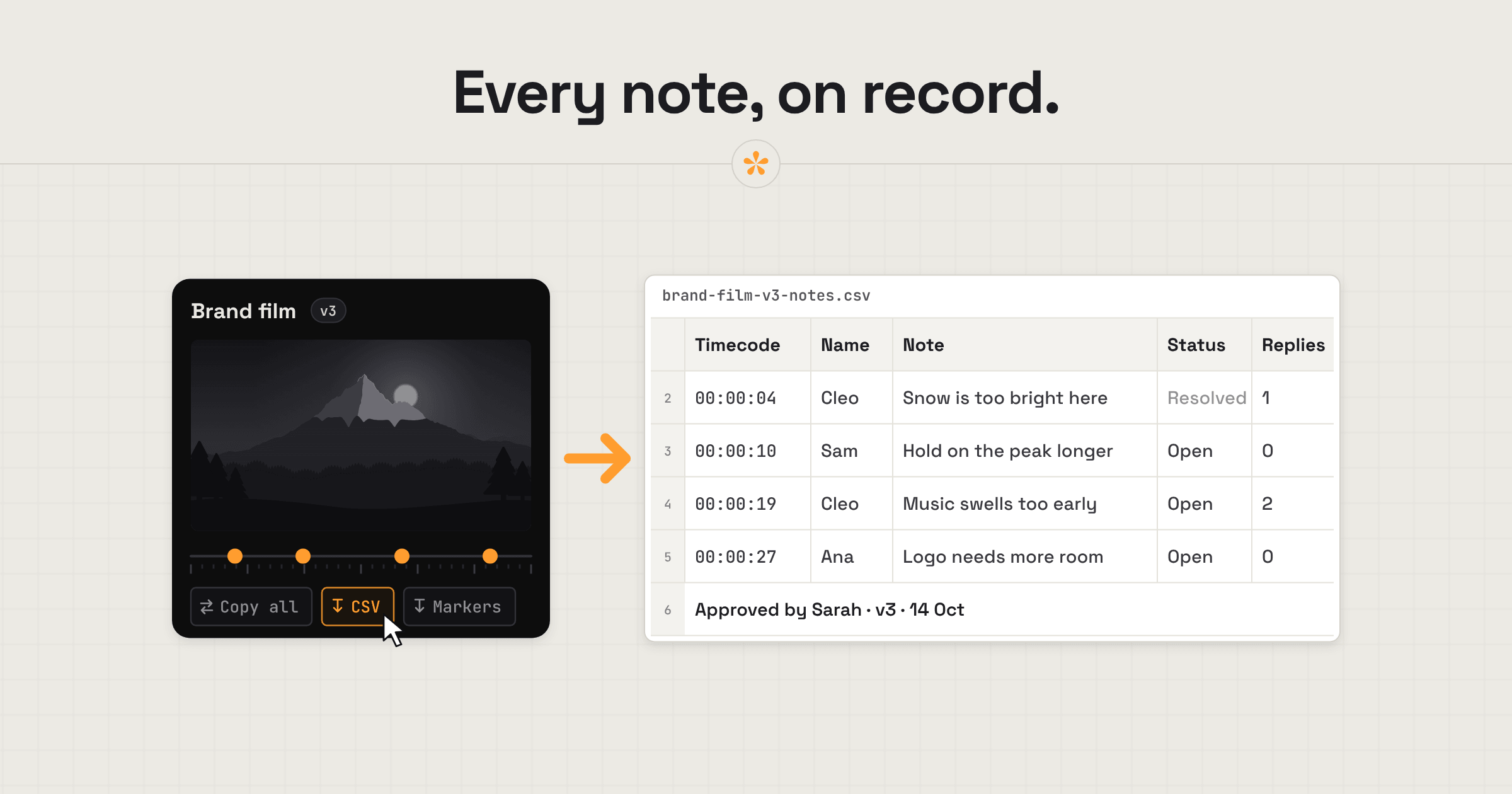
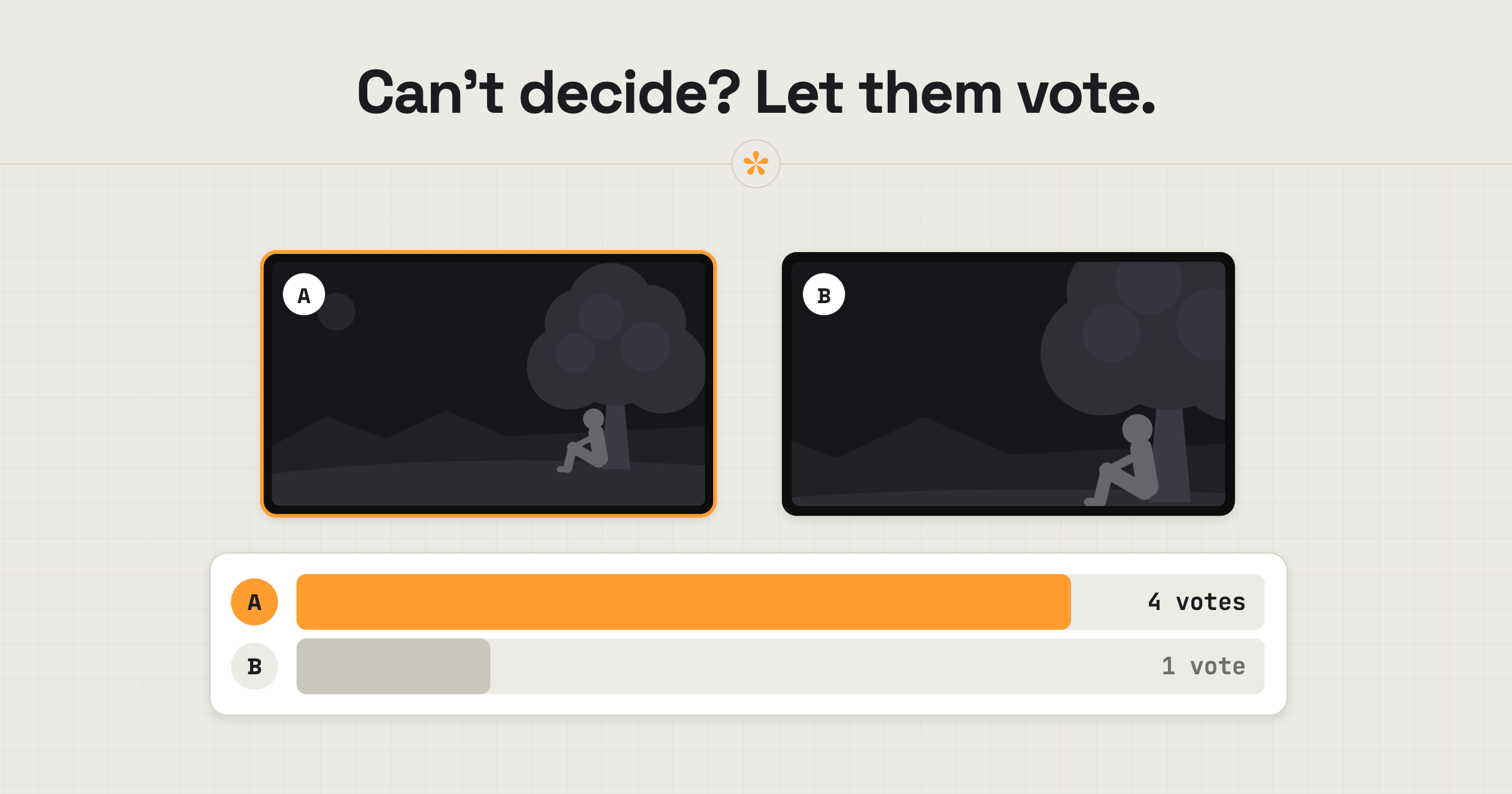
How video editors collaborate with clients: one review link, no account, notes on the exact frame, a brief before they watch, polls and a clean sign-off.
Record your screen, camera and voice in the browser, then share one link so people leave notes at the exact moment, instead of booking a call to show it live.
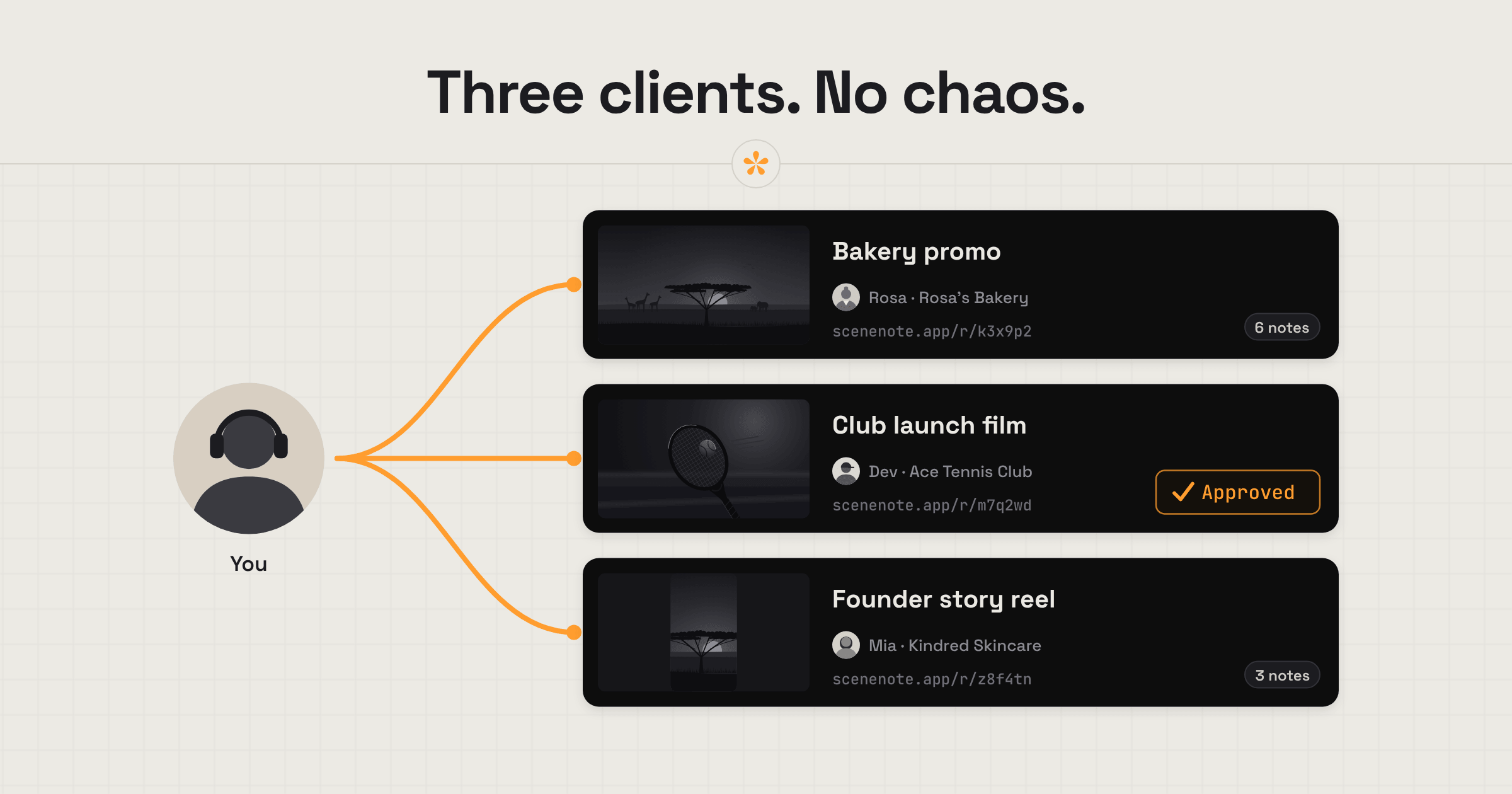
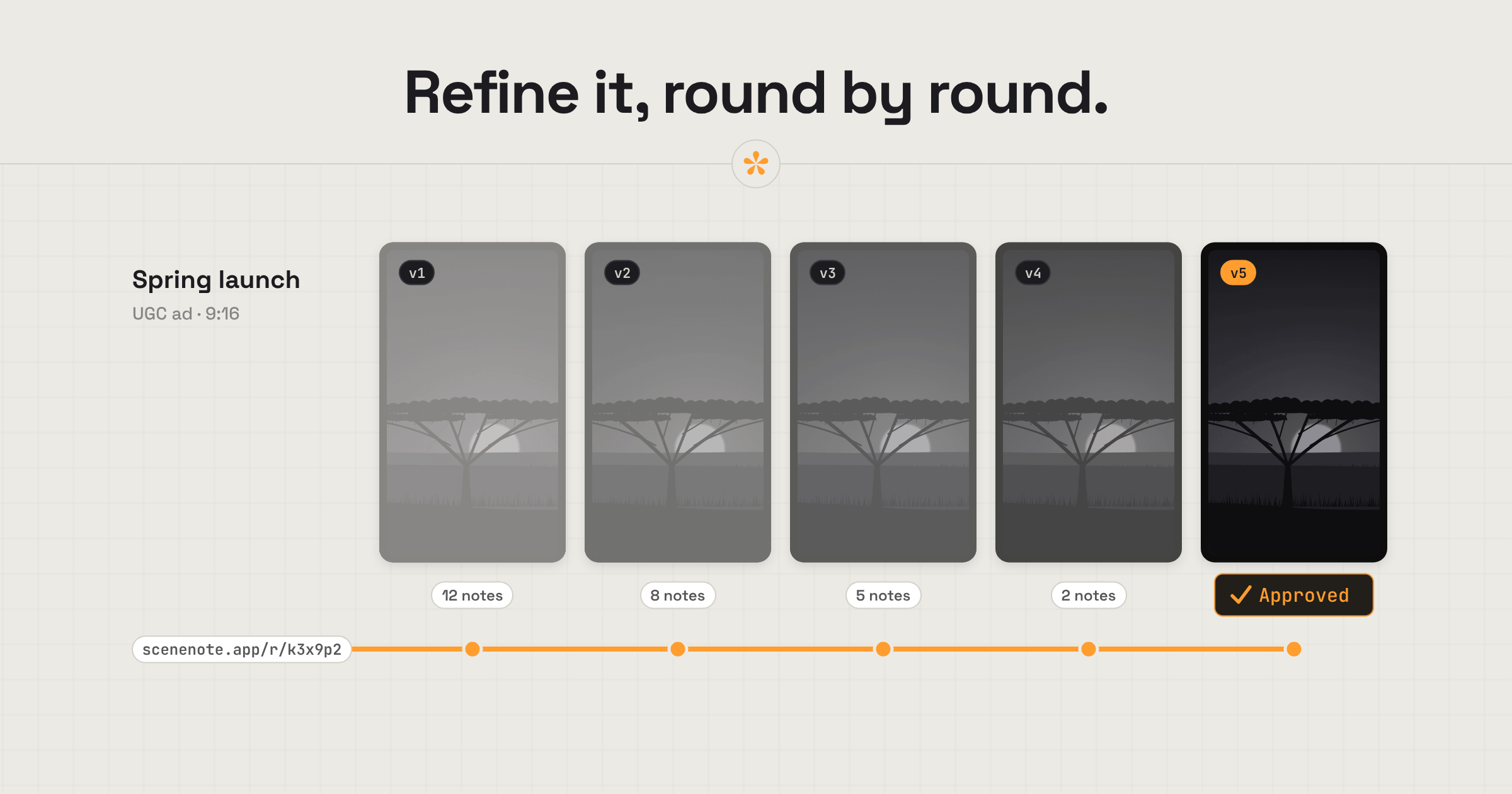
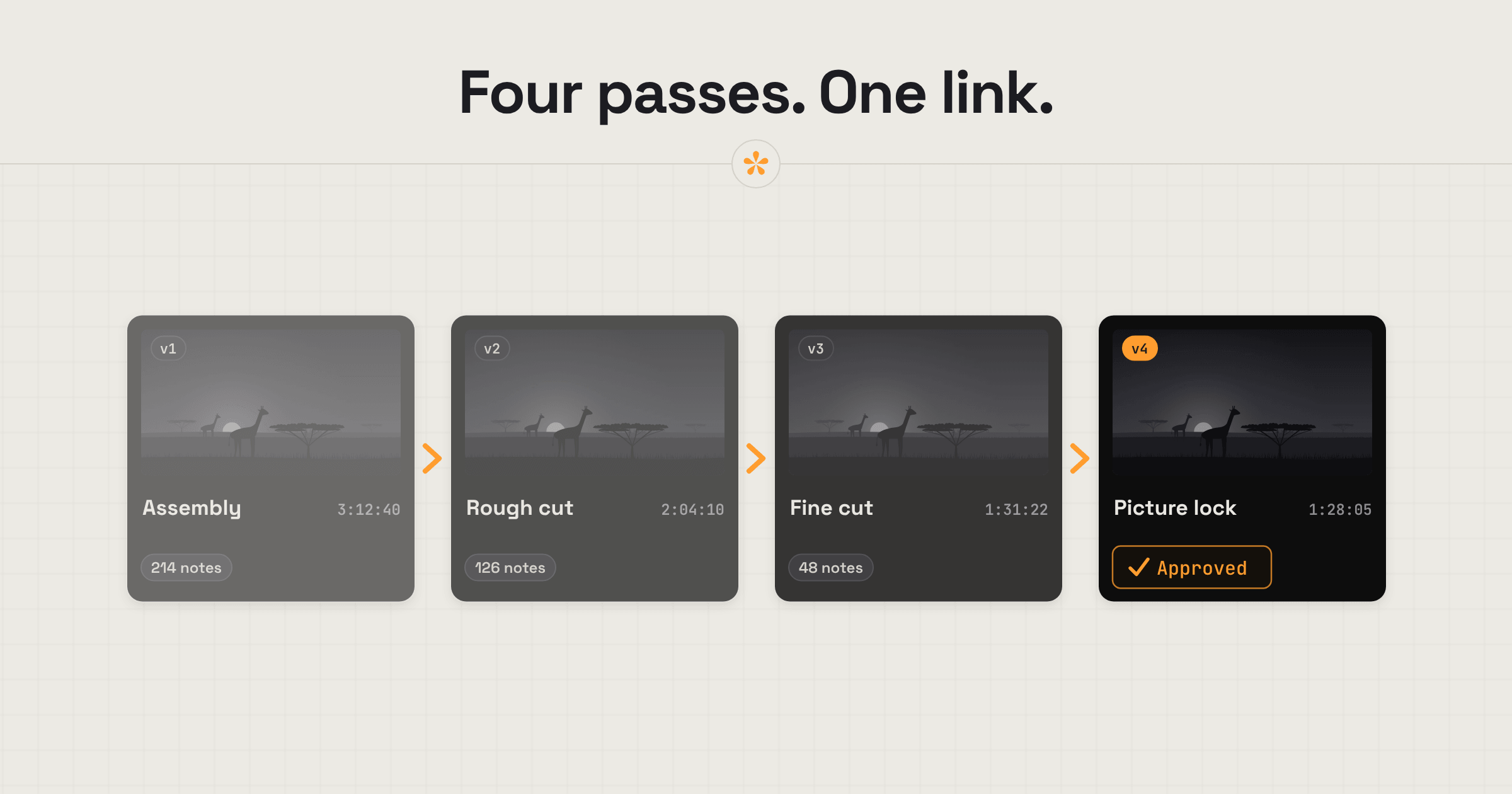
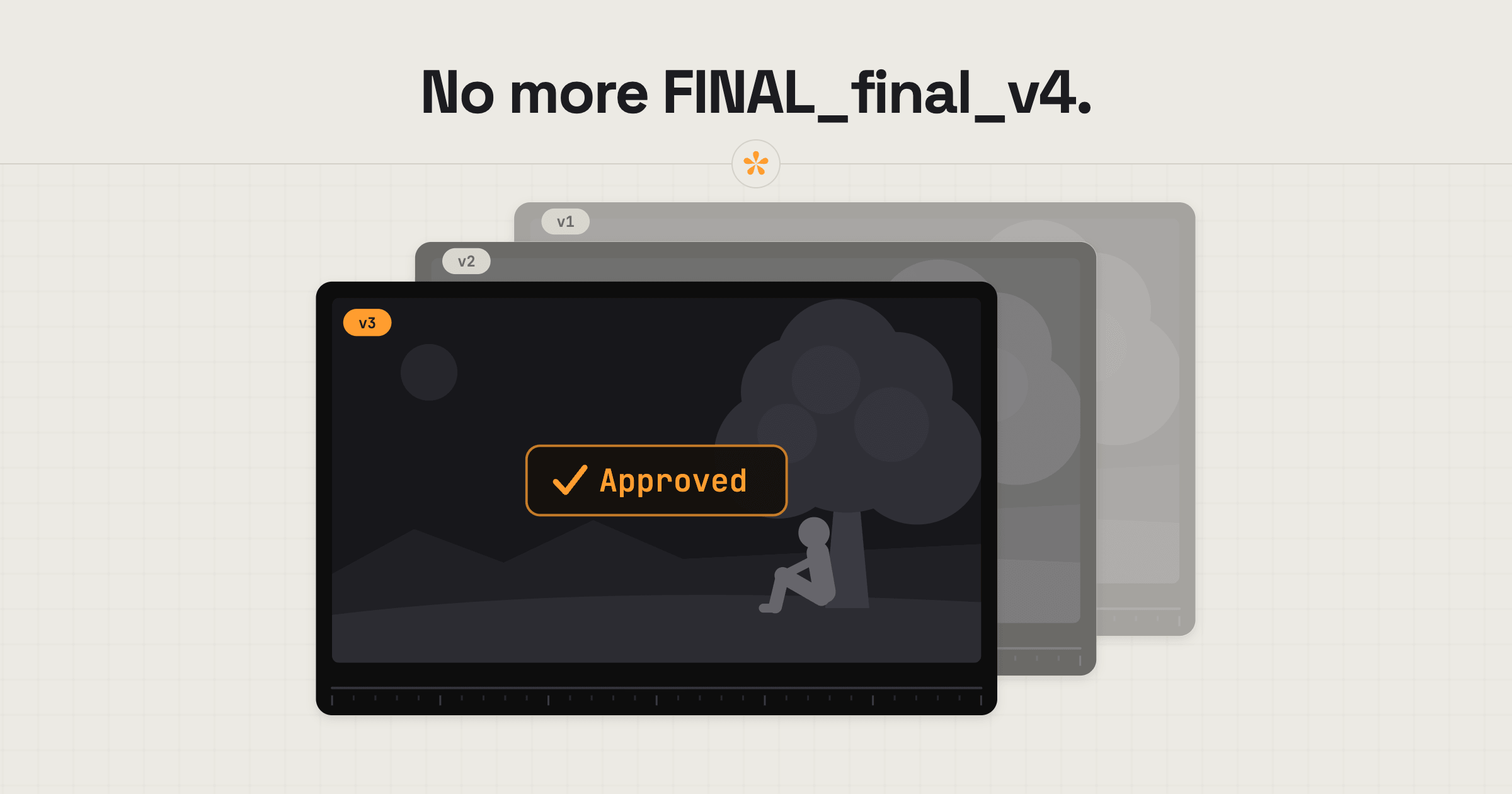
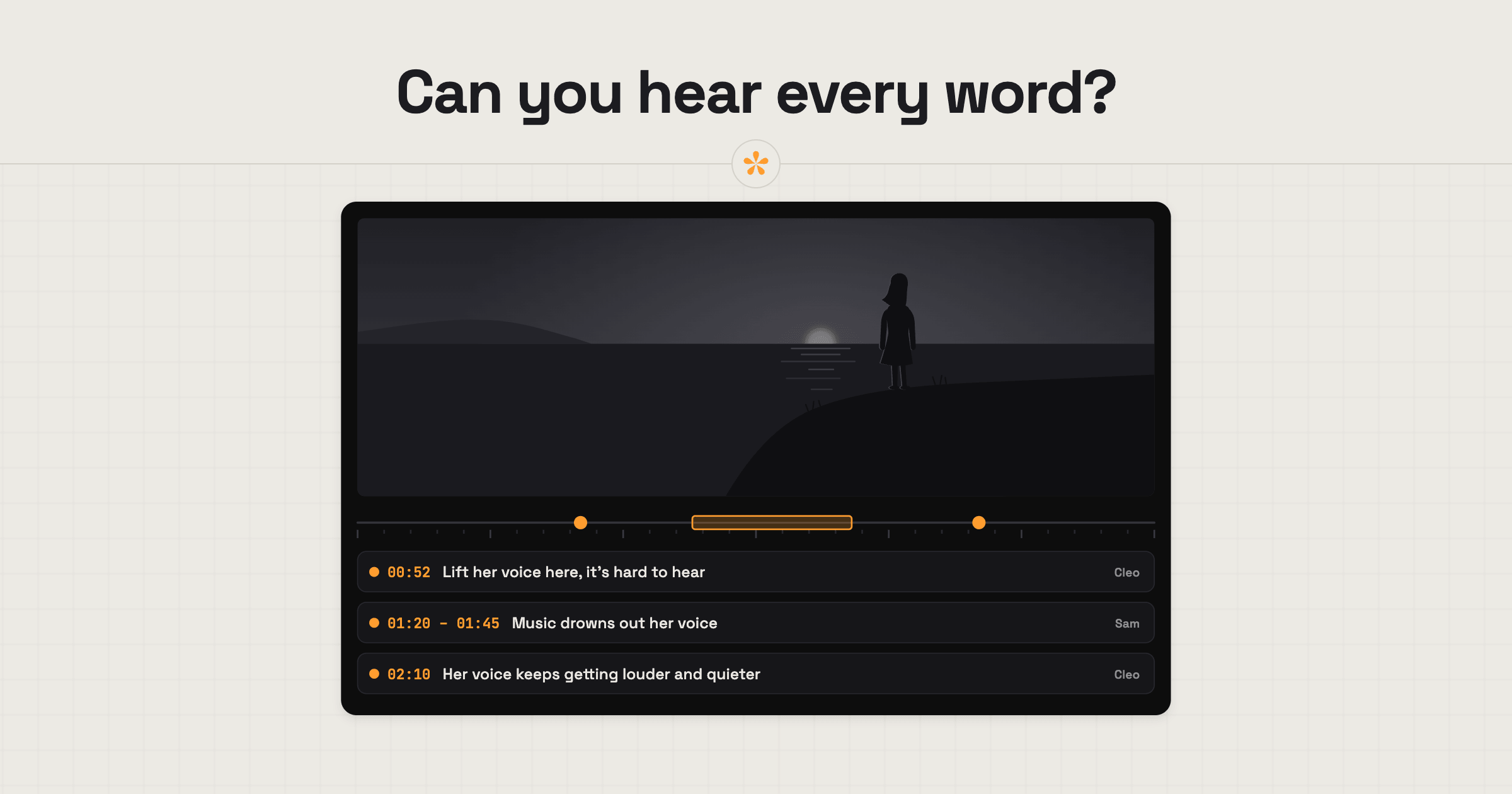
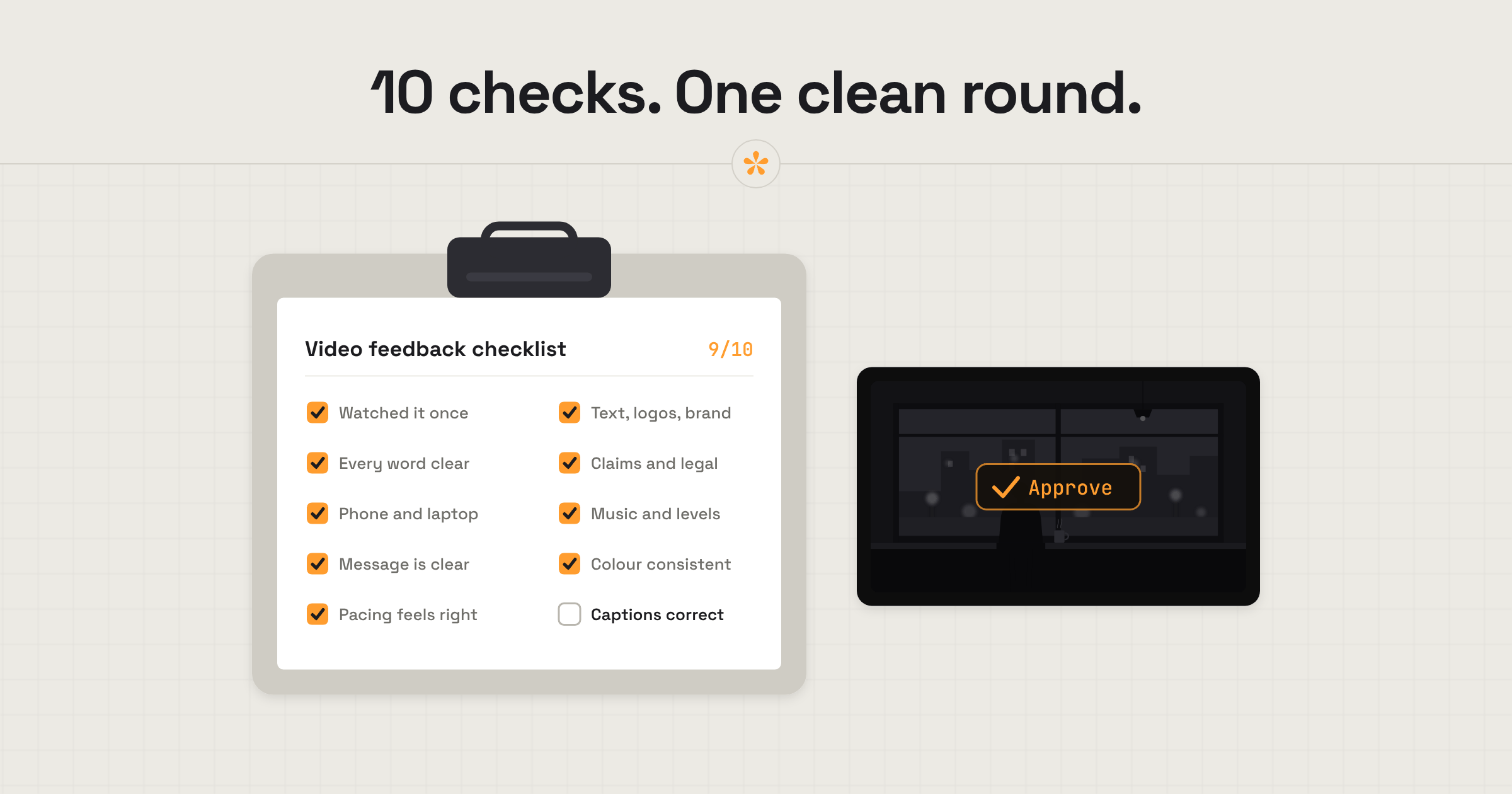
How freelance video editors get client feedback: one review link, every note on the exact frame in one place, versions, a dated sign-off and optional markers.