
To win bigger clients as a video editor, show that you can manage the project as well as the edit. Meet deadlines, communicate clearly, protect confidential footage and give stakeholders an organised way to review cuts and approve decisions. A strong portfolio might get you shortlisted, but the experience of working with you is what encourages clients to come back.
The short version
- Work at their standard in everything, not just the edit.
- Share rushes and cuts on a review link instead of a screen-share call.
- Keep confidential work on a dedicated review tool, with a password.
- Narrow lots of opinions down with polls.
- Brief every reviewer before they press play.
- Close each round with a clear approval.
- Engage with the feedback and offer solutions.
ON THIS PAGE · 10 SECTIONS
What do bigger clients look for beyond the edit?
Bigger clients look for an editor who works at their standard in everything around the edit, not only in the cut itself. The edit is expected to be good; the rest is what they remember.
- Working at their standard. A global brand holds a very high bar, from how you talk to their team to how you show a cut.
- Reliability. Cuts arrive when you said they would, and nothing gets lost between rounds.
- Communication. Short, clear updates, so nobody has to chase you.
- Leading the collaboration. Invite feedback, but take the lead where creative decisions need making. Take other people's ideas on board, give your view where it matters and offer solutions. Trying to please everyone makes you look less sure of what you're doing.
- Process. One place for every cut, note and decision, however many people are involved. Bigger clients have a lot going on, and a complicated review with endless back and forth takes up their time, makes deadlines harder to hit and looks less professional.
- Approvals. A clear record of who signed off on what, and when.
- Confidentiality. Unreleased products and embargoed launches stay private.
What does this look like on a real project?
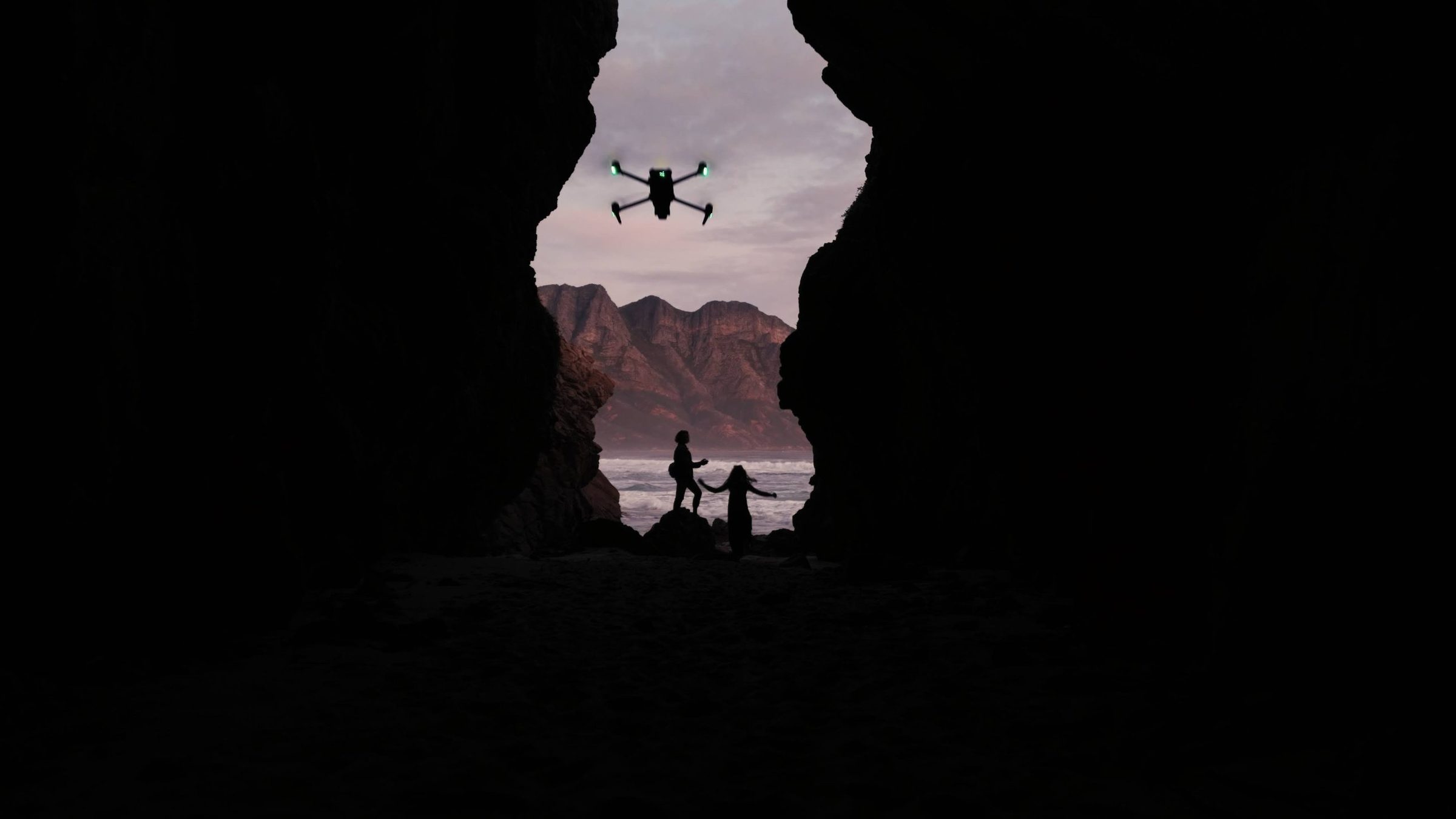
A drone launch for DJI

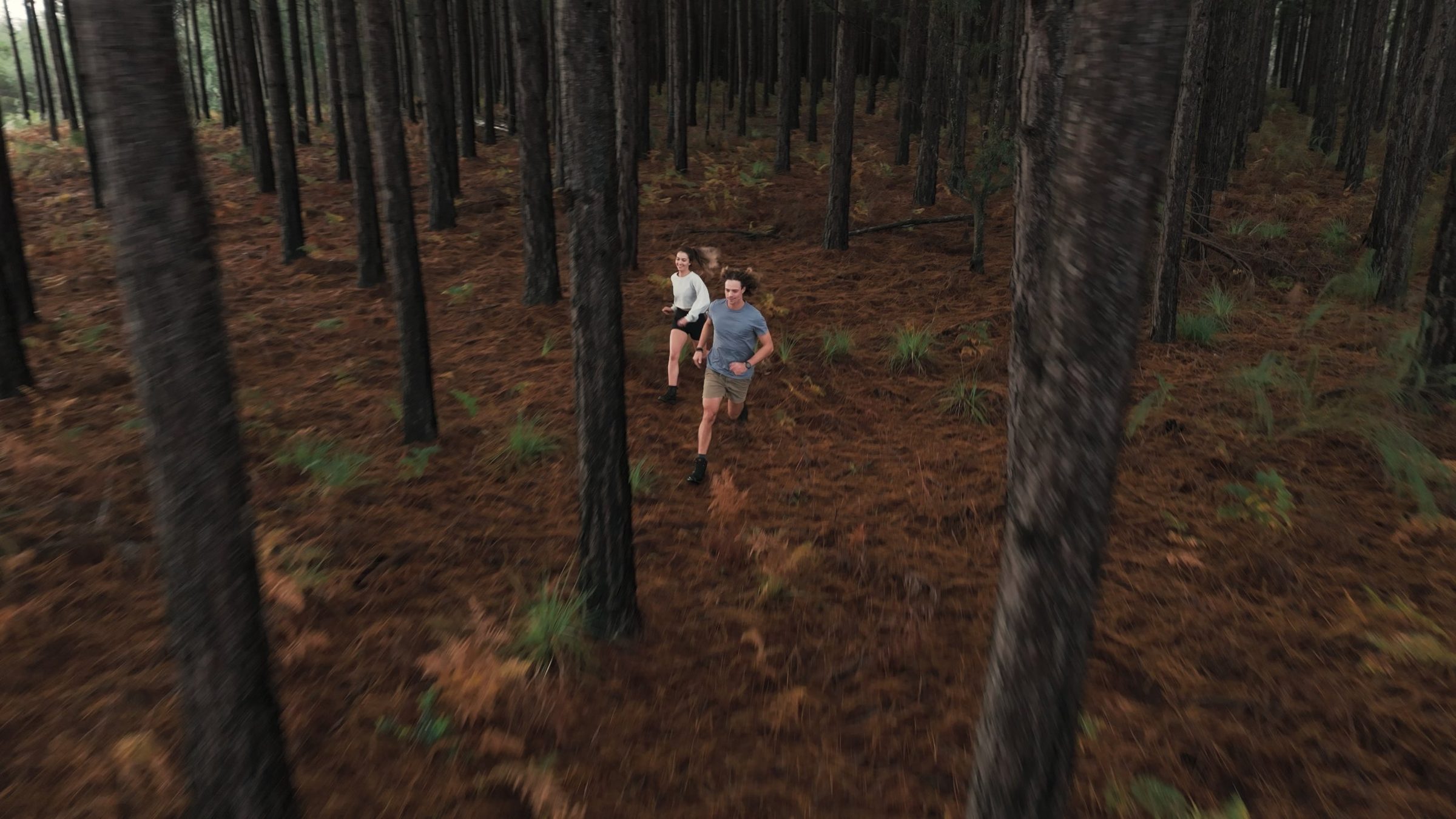
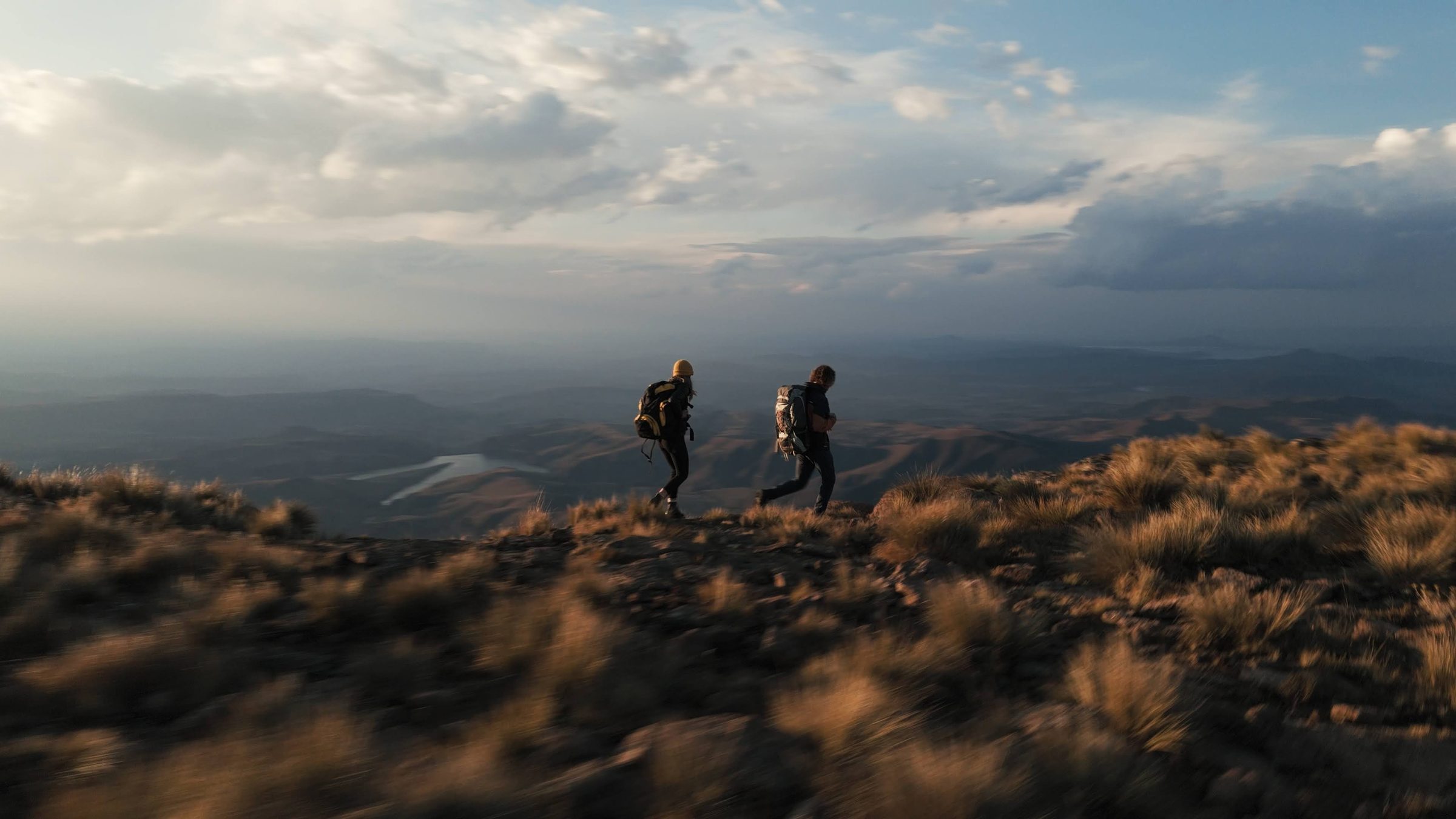
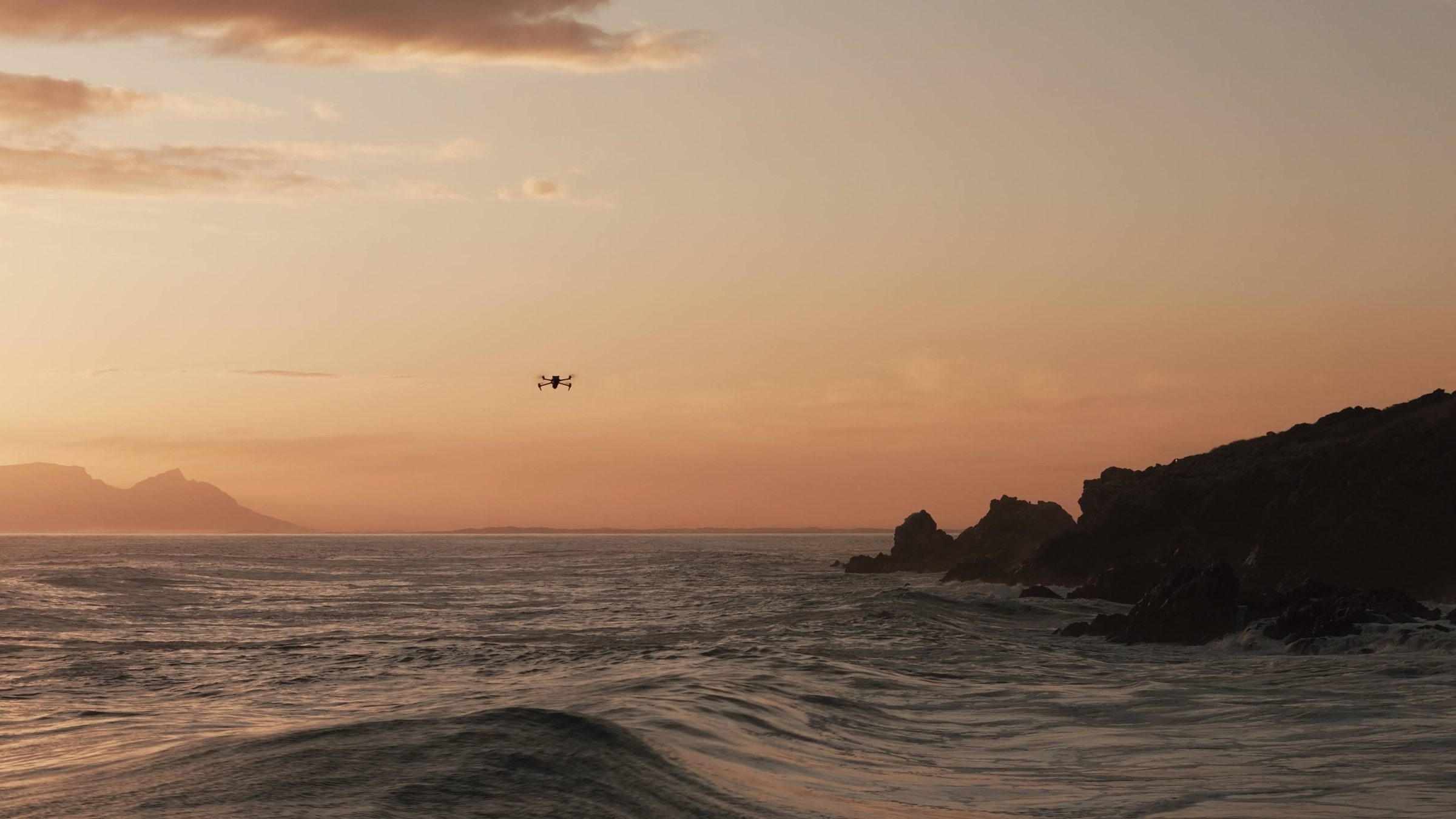
This was the launch film for a new high-end drone from DJI. I put the team together and was director, creative director, drone operator, editor and sound designer. It was the first time anyone would see the product, so everything had to be extremely polished. The launch date was fixed, with all the other launch content lined up behind it, so we built in plenty of time for changes.
Review happened in two stages. A small team at DJI looked after it from the pitch to the first draft. Once they were happy with the direction, it went to a wider group higher up. That's the tough round: a lot more people weighing in, judging the finished piece without knowing the decisions made along the way. It means a lot of communication, but you need it for the final sign-off.
Much of the shoot was in places with no decent internet. Instead of uploading gigabytes of rushes, at the end of each day we'd send screen grabs of the best shots with a quick grade on them. In a few minutes they could see how much variety we had.
The hardest part was the number of lines of communication. I'd give a colourist notes, then pass the result on to the client, and things get lost in translation, especially across versions. My advice: keep all the feedback in one place and in writing, so you can always go back to it and it's never he said, she said.

A phone launch for Vivo, run on SceneNote
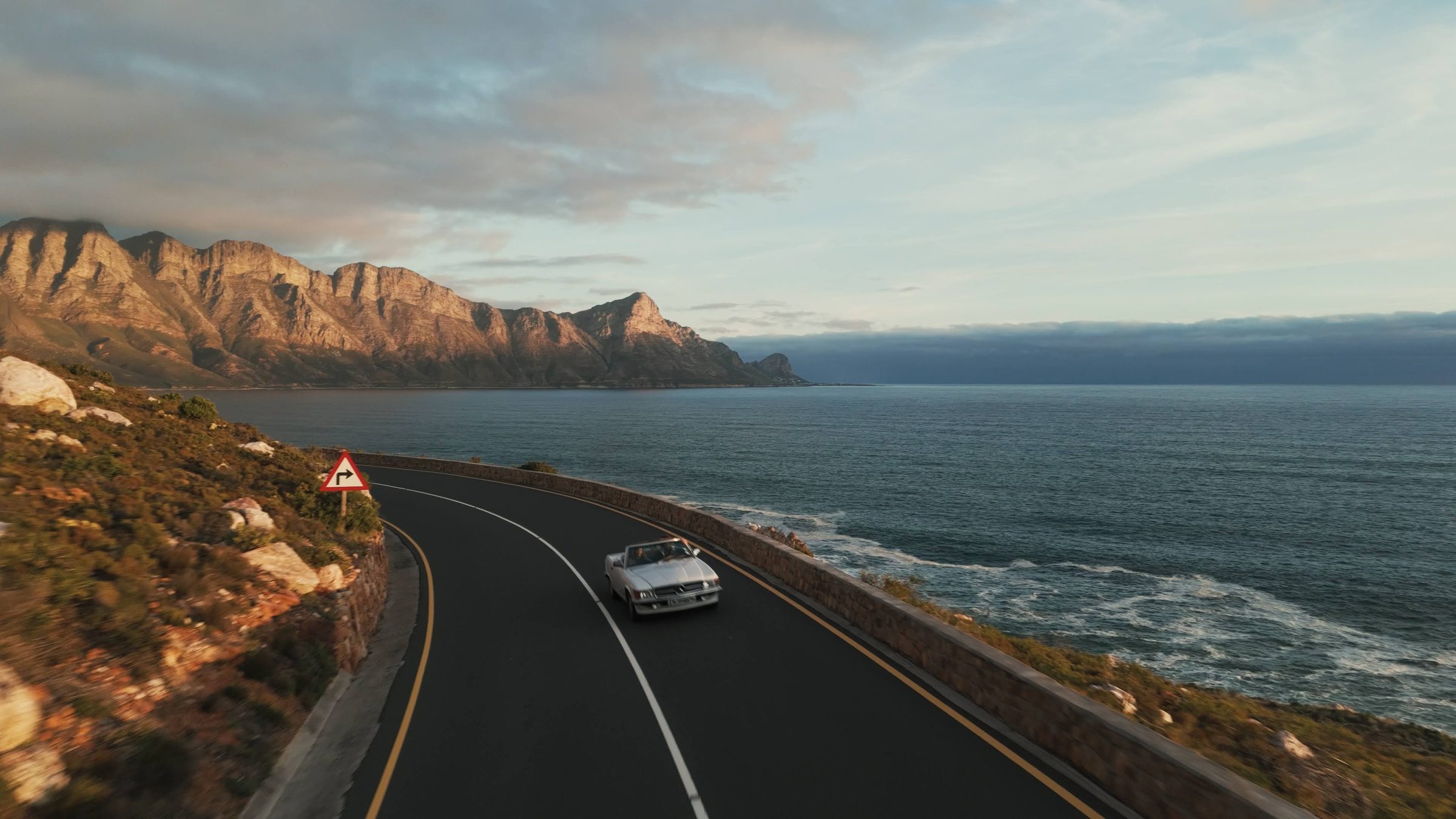
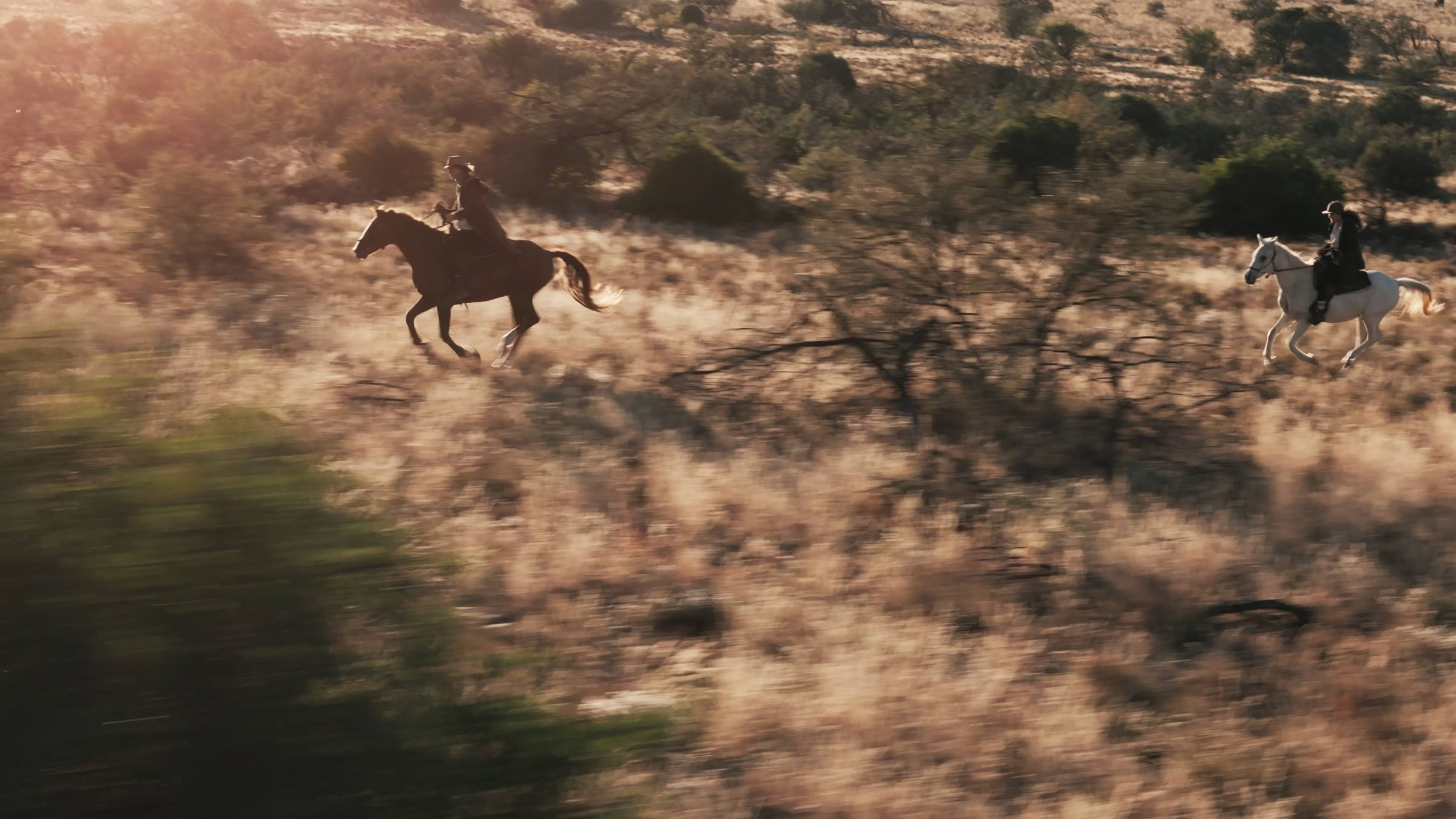
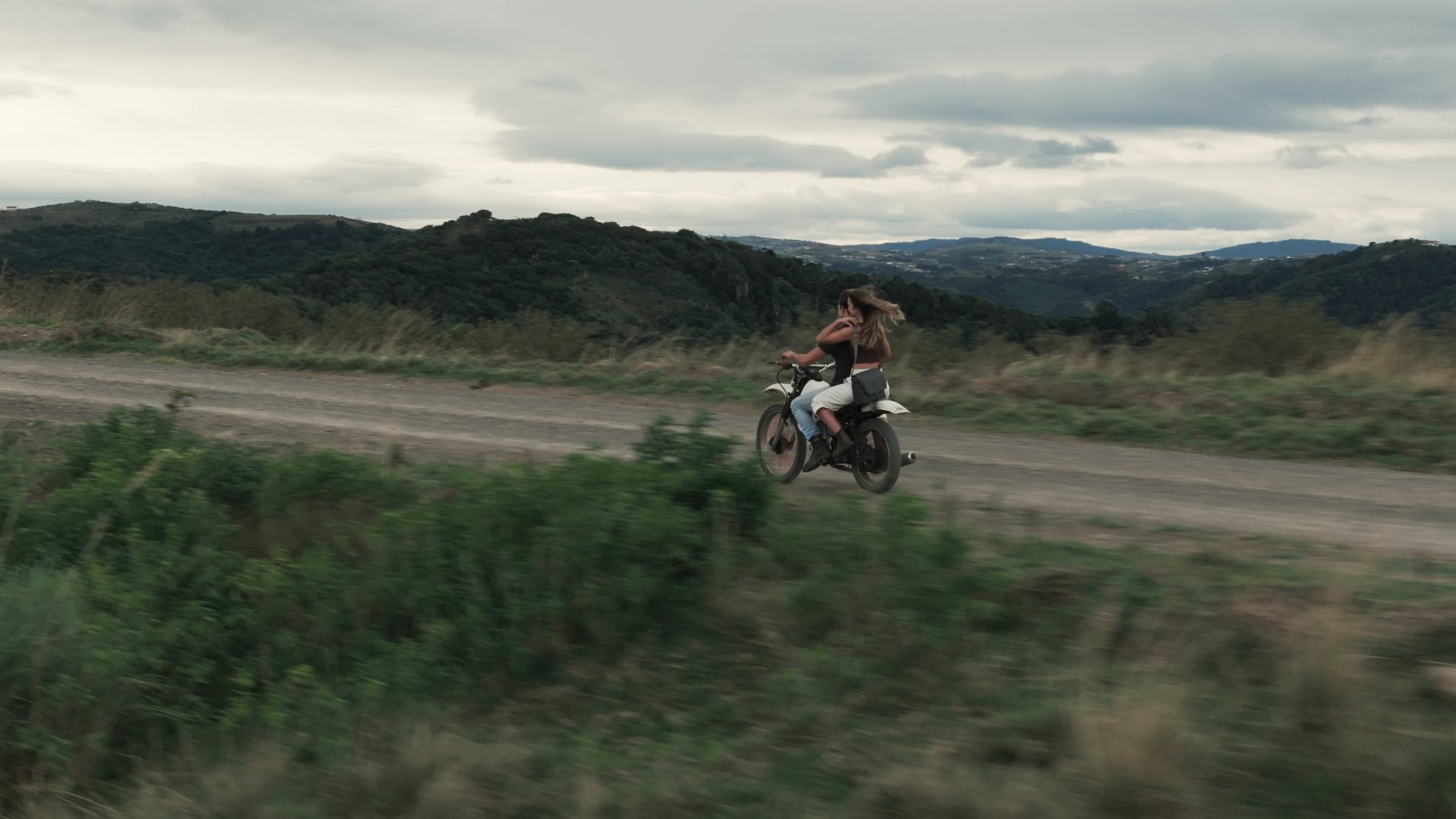
This was an influencer campaign for the launch of Vivo's latest flagship phone, with Sam Kolder as the creator. It was just the two of us: I was creative director and helped Sam film and edit. The deliverables ran from stills and Instagram posts to vertical and landscape cuts, plus a version for the launch event in China.
There were a handful of versions, and the changes were small. The client wanted more sunset and golden hour footage and less of the darker, moody shots, and we worked through text placement, the voiceover, where the logos sit and how long the phone is on screen.
Timestamped notes made a big difference: the client could point at the exact shot without having to describe it. Sam and I used voice notes to talk each other through how a moment should feel and how the sound design should go. We had the versions to compare, and because everyone saw every note in one place, nothing was passed from person to person and lost along the way.
“My team and clients love SceneNote! It makes the whole revision process so much easier. I spend less time managing feedback and more time being creative.”
Sam Kolder, YouTube creator, @koldstudios
How do you share rushes from location?
Share rushes from location by putting up the day's selects on a review link at the end of the shoot day, instead of setting up a screen-share call.
- Pick the day's selects and export them as one file, or a few short ones.
- Upload them, or paste a link to where they already are, into a SceneNote project.
- Send the link to the client's team with a line on what they're looking at.
- Keep working. Notes and approvals come back on the exact frame while you prep the next day, and nobody has to be on a call at the same time.
What happens to your link on a big job?
On a big job, your link gets passed around. Expect it, and set the project up for it.
- It reaches people you've never met. Marketing forwards it to the global team, who forward it to legal. A pre-watch note on each version gives every one of them the context, whoever they got the link from.
- Many stakeholders chip in. Every reviewer's notes land in one list with their name on them, so you can see who said what.
- Every cut passes several checks. A clear version on the same link each round stops anyone reviewing an old cut.
- You end up with lots of ideas to manage. That's where polls and a clear decision-maker come in.
How do you keep work under NDA or embargo private?
Keep work under NDA or embargo private by using a dedicated review tool, not an unlisted video link. You wouldn't post an unreleased product on YouTube, even unlisted.
- Upload the cut rather than linking to a public video site.
- Add a password, so only people with it can open the project.
- Give view-only links to people who should watch but not comment.
- Keep every version on one link, so old cuts aren't floating around in emails.
- Know where your footage goes. SceneNote uses footage and feedback only to serve the project, and never uses or sells them for AI training.
Passwords, view-only links, your own branding on the link and viewer activity are all on Pro.
How do you turn 15 opinions into a decision?
Turn 15 opinions into a decision with a poll. Narrow the ideas down to the two or three that are actually doable, and let people vote.
- Narrow it first. Not every idea can be done in the time or the budget. Put only the doable ones in the poll.
- Give people a vote. People like having a say, and a poll gives everyone the same one.
- The result is on record, next to the moment it's about, so the decision doesn't get reopened.
- The client makes the call. Put the best doable ideas in the poll and let the client's team choose, so you don't have to shut down anyone's idea yourself.
How do you close a round so everyone can see it?
Close a round with an approval that everyone on the link can see.
- The decision-maker presses Approve on the version. Their name and the date are recorded under it.
- Add the next version when there is one. Older versions go read-only, so new notes always land on the latest cut.
- Close feedback when the job is done. It stops new notes while keeping everything that was said visible.
How do you brief people you've never met?
Brief people you've never met with a pre-watch note on the link. It shows on the player before they press play, whoever forwarded it to them. If nobody tells them the grade isn't done, they'll say it looks flat.
Say what the cut is, what isn't finished and what you need from them. How to present a cut to a client professionally has a template.
What else shows you're a professional?
Small details separate amateurs from professionals. Check these before a big client sees your link:
- A structured production process, with clear deadlines.
- Password-protected projects for anything confidential.
- Your logo and colours, or the client's, on the review link.
- A pre-watch note on every version.
- View-only links for people who should watch without commenting.
- The way you communicate: replying to notes, solving problems and offering insight.
- An approval on record for every round.
FAQ
Is an unlisted YouTube link good enough for a big client?
Not for anything under NDA or embargo. An unlisted link can be passed on to anyone, and has no password, versions or sign-off. Use a dedicated review tool instead.
Do the client's reviewers need an account?
No. They type their name the first time they leave a note, so anyone the link is forwarded to can review straight away.
How do I handle notes from people I've never met?
Agree with your main contact who has the final say. Every note carries the reviewer's name, so you can check with your contact before acting on a note from someone new.
What's the simplest way to win, and keep, bigger clients?
Work at their standard in everything around the edit: one link for every cut, a brief before they watch, polls to settle big choices, privacy for confidential work and a clear approval at the end of every round. In this industry, word of mouth goes a long way. Impress one big client and it can lead to repeat work, and to new clients through their recommendation, since people trust recommendations from people they know.
Impress clients from the very first link.
Present your work professionally, make feedback easy and give clients confidence in your process.
Related guides
Bryn North
Filmmaker and creative director · part of the team behind SceneNote
Bryn North is a filmmaker and creative director who has been making films since 2013, mostly documentaries and travel films, with a soft spot for stories about cultural heritage. He has directed, shot and edited launch films for DJI, worked with brands like Audi and Samsung and with a number of tourism boards, and some of his personal travel films have had millions of views. Working with a new client almost every month, he found that most of the job was communication, and that every client gave feedback differently. SceneNote is his answer: one simple way for clients to leave detailed notes and talk them through.
More guides by Bryn →