
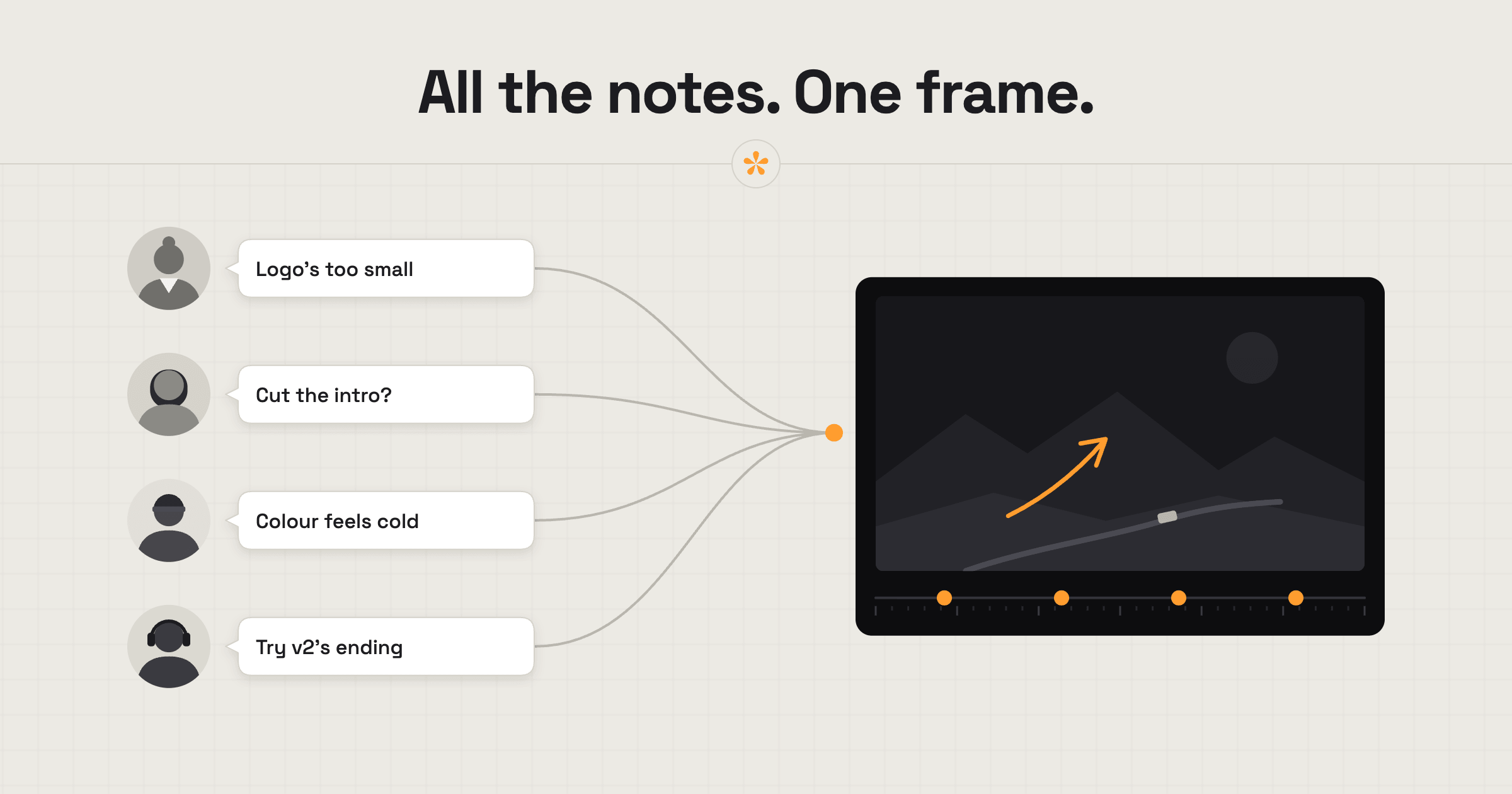
To manage feedback from multiple reviewers, put everyone on the same review link, so every note lands in one list with a name, on the exact moment. Agree on a deadline before the review round starts. When notes contradict each other, settle them in a reply, a poll or a short call, then work through one list.
The short version
- Ask the client who has the final say.
- Send one SceneNote review link to everyone, with a deadline.
- If you want feedback on something specific, or need to give some context, add a pre-watch note.
- Read the notes as they come in, and reply where something's unclear.
- Settle contradictions with a reply, a poll or a quick call.
- Resolve each note as you finish it.
- Send the next version on the same link.
ON THIS PAGE · 8 SECTIONS
Why do multiple reviewers make video feedback so hard?
Multiple reviewers make video feedback hard because the notes arrive in different places, on different days, and can contradict each other. Marketing wants the intro shorter; the director wants it left as it is. You go with one, and a week later the other objects.
The usual problems:
- Notes are scattered across email, chat and a call nobody wrote down.
- Nobody sees anyone else's notes, so contradictions only surface once you've made the change.
- There's no clear decision-maker, so every opinion carries the same weight.
- Someone senior turns up late and undoes a round of work, or adds notes to a closed round or an old version.
What does a multi-reviewer round look like at a glance?
A well-run multi-reviewer round comes down to four things agreed before anyone presses play.
| What it means | Why it matters | |
|---|---|---|
| One link | Everyone reviews the same SceneNote link | Every note is in one list, with a name |
| One decision-maker | One person settles disagreements | You don't have to referee |
| A deadline | “Notes by Thursday 5 pm” | Late notes don't reopen a finished round |
| Agreed rounds | Usually two, set out in the quote | The job has an end |
On Pro, you can set the deadline on the project itself, and reviewers get a reminder email before it closes.
What should you tell reviewers up front?
Tell reviewers who decides, by when, and what to look at. A few lines in the pre-watch note or the email with the link is enough.
Hi all, here's v1 of the brand film: [review link]
You'll see each other's notes, so feel free to reply rather than repeat.
At this stage we're looking at story and pacing. Grade, sound mix and titles come later.
Notes by Thursday 5 pm, please. Fabian has the final say if anything conflicts.
How do you settle contradictory notes?
Settle contradictory notes in the open, on the review link, before you start cutting. Because everyone's notes sit side by side, the contradiction is visible to everyone, not just you.
- Reply under the note. “Sam suggests cutting this, Lee wants to keep it. Fabian, which way?”
- @mention the decision-maker so they get an email and can answer right there.
- Ask a poll when it's a clear choice: “Keep the drone shot or cut to the interview?” Hide the results until people vote, so nobody just follows the boss.
- Book a 15-minute call when the disagreement is about direction, not detail. Agree one direction, then add a short note on the link saying what was decided.
Whichever route, the answer ends up written down under the note it's about.
How do you keep track of what's done?
Resolve each note as you finish it, so everyone can see what's been done and what's still open. Reviewers see the tick on their own notes, which saves a lot of “did you get to my comment?” emails. And when someone approves, their name and the date are on record.
On a very busy round, notes can really start to stack up. On Pro, My board gives you a private space to organise them. You can group notes by department, such as Edit, Colour, Sound and Titles, or track progress with simple To do, In progress and Done columns. Only you, as the project owner, can see the board. Viewer activity also helps you keep tabs on who's watched the video and who might need a reminder.
What does this look like on a real project?

On bigger projects, the stakeholders often go well beyond the marketing team. You send a cut, and it gets passed around internally to several people. You have no way of knowing who's opened it, and you lose the one place where feedback gets collected. Someone gets forwarded a Drive link, has an idea that contradicts someone else's, and doesn't know it. Before long you're the one explaining what was decided, why, and who suggested what. It's a real time sink.
Putting everyone in the same review room fixes that. Notes are visible to everyone, so people reply to each other, settle contradictions themselves, and vote when they need to. And once the next version goes up, the old one becomes read-only automatically, so anyone who gets the link later can't leave notes on a finished round.
It makes my life easier, and theirs too. Clients are just as busy as we are, and nobody wants to waste time digging through email chains.
How to handle common problems
The boss appears in round three
If someone senior only watches at round three and wants big changes, it's usually because they weren't on the link from the start. Ask up front who needs to see the cut, and send them v1 too. Once the next version is up, older ones also become read-only automatically, so nobody can add notes to a finished round late. If it still happens, treat the changes as a new round, and point back to what was agreed in the quote.
Notes arrive in different channels
If one person emails, another texts and a third posts on chat, add their notes to the review link yourself at the right moment, with their name. Then reply to say where they now live. After a round or two, most people start leaving notes there directly.
Someone never watched
If a key reviewer hasn't left any notes, check whether they've actually watched. On Pro, viewer activity shows who's opened the link. A short nudge before the deadline is easier than a surprise afterwards.
Eighty notes on one cut
If a round comes back with a huge list, don't start at the top. Group the notes first (story, pacing, sound, titles), settle any contradictions, and only then start cutting. My board on Pro gives you this ability, but a quick pass with resolve and replies works too.
An approval chain: editor, producer, marketing, director
If the cut has to pass through several people in order, run each stage as its own round on the same link. Tell the next person when it's their turn, and ask each one to approve so their sign-off is on record before it moves on.
Senior people weigh in too early
If the director's notes on the grade arrive when the cut is still rough, say what stage this round is for in the pre-watch note. Park the early notes with a reply (“Saving this for the grade pass”) rather than ignoring them.
Reviewers can see earlier internal notes
If you review internally before the client sees anything, keep that internal round in its own project. Then send the client a fresh link, so your team's notes never show up on their screen.
A last-minute rethink from someone senior
If someone senior wants to rethink the edit after sign-off, be clear that it's a new round. If revision rounds weren't discussed up front, it's reasonable to allow one or two more, but agree a limit. How many revision rounds should a video project have? covers how to set this out.
FAQ
Do all reviewers need an account?
No. Reviewers never need an account. They open the review link and type a name the first time they leave a note.
Can reviewers see each other's notes?
Yes. Everyone on the same review link sees every note, which is what lets contradictions surface early. If you want reviewers to only watch, use a view-only link on Pro.
Will I get an email for every note?
No. You choose your email alerts from the bell in the project. On a busy project, SceneNote sends a summary instead of one email per note.
Who can approve the video?
Anyone with a name on the link can approve, and each approval is recorded with their name and the date. Ask the client up front whose approval counts as final.
How do you manage feedback from multiple reviewers?
Put everyone on one review link, agree a decision-maker and a deadline, settle contradictions in the open, and resolve notes as you go. The round ends with one list and a clear sign-off.
One link for every reviewer.
No sign-up needed to paste a link.
Related guides
Kiril Dobrev
Filmmaker · part of the team behind SceneNote
Kiril Dobrev is a filmmaker with 15 years of experience and a passion for documentary and travel. He’s spent a lot of that time in the editing room, obsessing over how to make his workflow better, and the feedback loop has always been a big part of that. Post-production still hasn’t had a good enough answer to it. SceneNote was born from that, with one simple idea: make feedback better.
More guides by Kiril →