
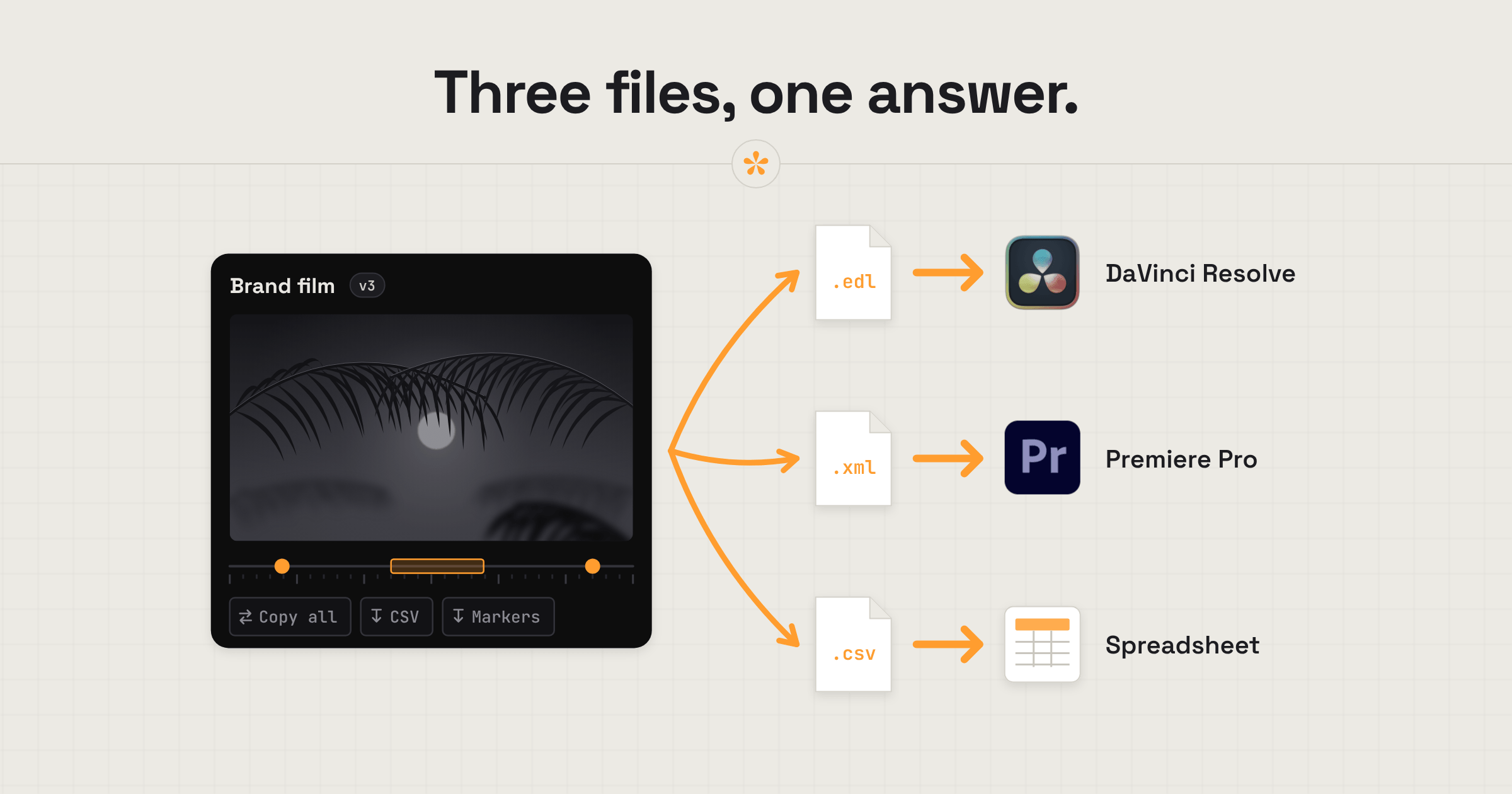
To import client feedback as timeline markers, use an EDL file for DaVinci Resolve or an XML file for Premiere Pro. CSV files are better suited to spreadsheets, where you can organise, track and share feedback, rather than importing markers. A video review tool like SceneNote lets you collect timestamped client notes and export them in all three formats, depending on what you need.
ON THIS PAGE · 6 SECTIONS
How do EDL, XML and CSV compare?
EDL, XML and CSV are three different kinds of file, and each editing app only turns some of them into markers.
| EDL | XML | CSV | |
|---|---|---|---|
| What it is | An edit decision list: a plain text list of events with timecodes | A structured file describing a sequence | A spreadsheet: rows and columns of text |
| Read as markers by | DaVinci Resolve, through Timeline Markers from EDL | Premiere Pro, through File, Import | Neither |
| What SceneNote puts in it | Each note's frame, the reviewer's name and the note, with a colour for open or resolved | Each note's frame, the note as the marker's name, and who wrote it and any replies in its comments | Every note's timecode, author, status, replies, a link to the note and who approved |
| Best for | Notes on a Resolve timeline | Notes on a Premiere timeline | A checklist, a record of the round, or sharing with someone outside the edit |
What is an EDL, and why does Resolve need its own format?
An EDL (edit decision list) is one of the oldest file types in editing: a plain text list of events, each with a start and end timecode. DaVinci Resolve can read markers from one, but only when each event carries Resolve's own marker fields: a colour, the note, and a length.
Here's a short example of a Resolve marker EDL, the kind SceneNote exports:
TITLE: Brand film v3
FCM: NON-DROP FRAME

001  001      V     C        01:00:12:05 01:00:12:06 01:00:12:05 01:00:12:06
 |C:ResolveColorYellow |M:[Sarah] Logo comes in too early |D:1

002  001      V     C        01:00:48:10 01:00:48:11 01:00:48:10 01:00:48:11
 |C:ResolveColorGreen |M:[Resolved] [Tom] Hold on her reaction |D:1
The |C: field sets the colour (yellow while open, green once resolved), |M: holds the marker's text, and |D: its length. An ordinary EDL from another tool, without those fields, imports as nothing in Resolve.
Why does Premiere use XML instead?
Premiere Pro reads markers from an XML sequence, a long-standing format that editing apps use to exchange timelines. The file describes a sequence, and the markers ride along with it, each with a name and a comment. That's why a Premiere import arrives as a new sequence, and why you copy a clip from it, with its markers, into your edit.
An EDL won't do the same job in Premiere. In our own tests, an EDL came into Premiere as a sequence of tiny offline clips rather than markers.
Why doesn't a CSV become markers?
A CSV is just rows and columns of text, so neither Premiere nor Resolve imports one as markers. That's not a weakness: a CSV is the right file for a different job. It's the easiest way to keep a checklist of notes, record what a round asked for and who approved it, or share the notes with someone who'll never open the edit or the review link. How to export video review notes to a spreadsheet covers it.
Why does the timeline start time matter?
The timeline start time matters because an EDL places markers by timecode, not by counting frames from the start. DaVinci Resolve timelines start at 01:00:00:00 by default, but some start at 00:00:00:00. If the file is written for one start and your timeline uses the other, every marker lands an hour away, outside your timeline, and nothing appears.
That's why SceneNote asks for your timeline start when you choose DaVinci Resolve, with 01:00:00:00 as the default. Premiere doesn't need it: its XML counts frames from the start of the sequence.
FAQ
Can I use the same file for Premiere and Resolve?
No. Resolve needs the .edl and Premiere the .xml. SceneNote's Markers button gives you whichever one you choose.
What does SceneNote's EDL carry?
Each note's frame, the reviewer's name, the note (up to 250 characters), tags such as [General], [Poll] and [Resolved], and a colour: yellow while open, green once resolved.
Do drawings or voice recordings travel in these files?
The files carry text. A voice note travels as its transcript, and drawings stay in the review room.
Is an EDL frame accurate?
SceneNote's are. Each note is placed at the video's true frame rate, including 23.976 and 29.97, in non-drop frame timecode.
Which file should you use?
Use the EDL for DaVinci Resolve, the XML for Premiere Pro, and the CSV when you want a checklist or a record rather than markers. SceneNote's Markers button and CSV export give you each one.
The right file for the job.
Export feedback as timeline markers for Premiere Pro and DaVinci Resolve, or as a CSV checklist.
Related guides

Kiril Dobrev
Filmmaker · part of the team behind SceneNote
Kiril Dobrev is a filmmaker with 15 years of experience and a passion for documentary and travel. He’s spent a lot of that time in the editing room, obsessing over how to make his workflow better, and the feedback loop has always been a big part of that. Post-production still hasn’t had a good enough answer to it. SceneNote was born from that, with one simple idea: make feedback better.
More guides by Kiril →